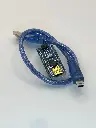

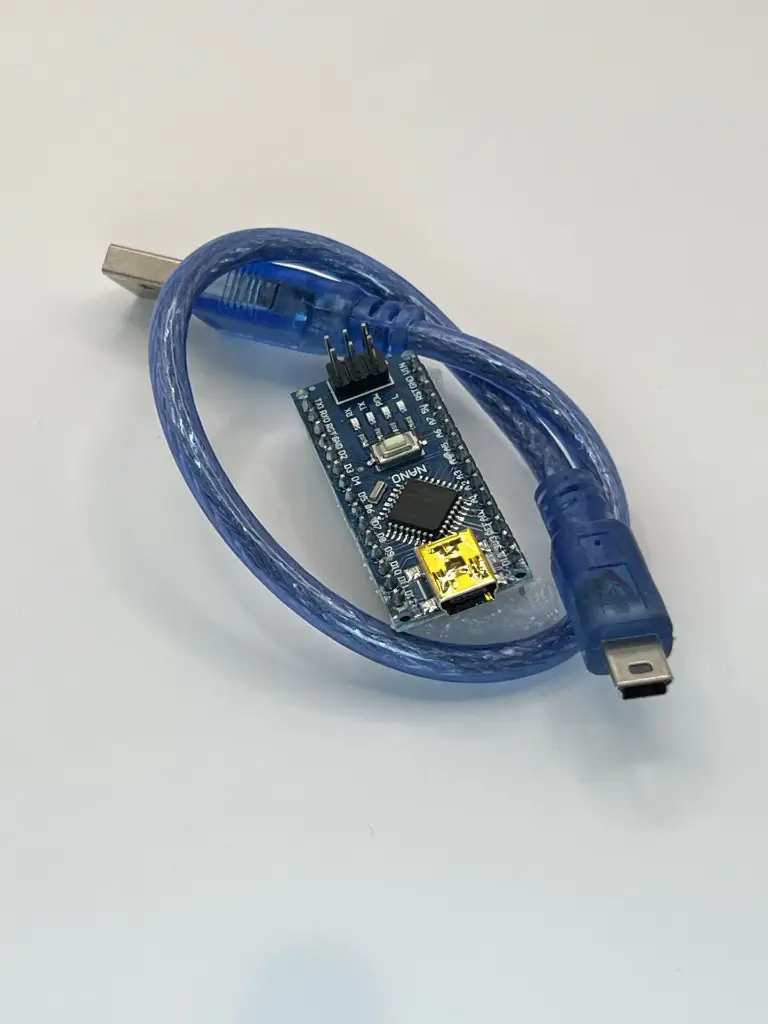
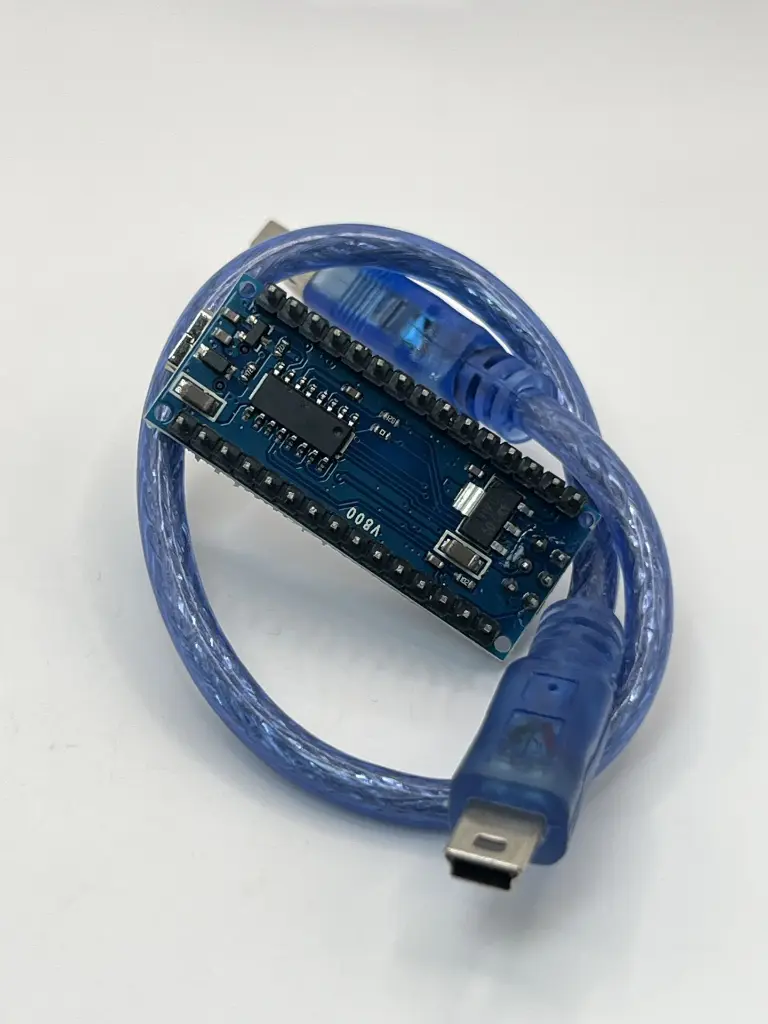
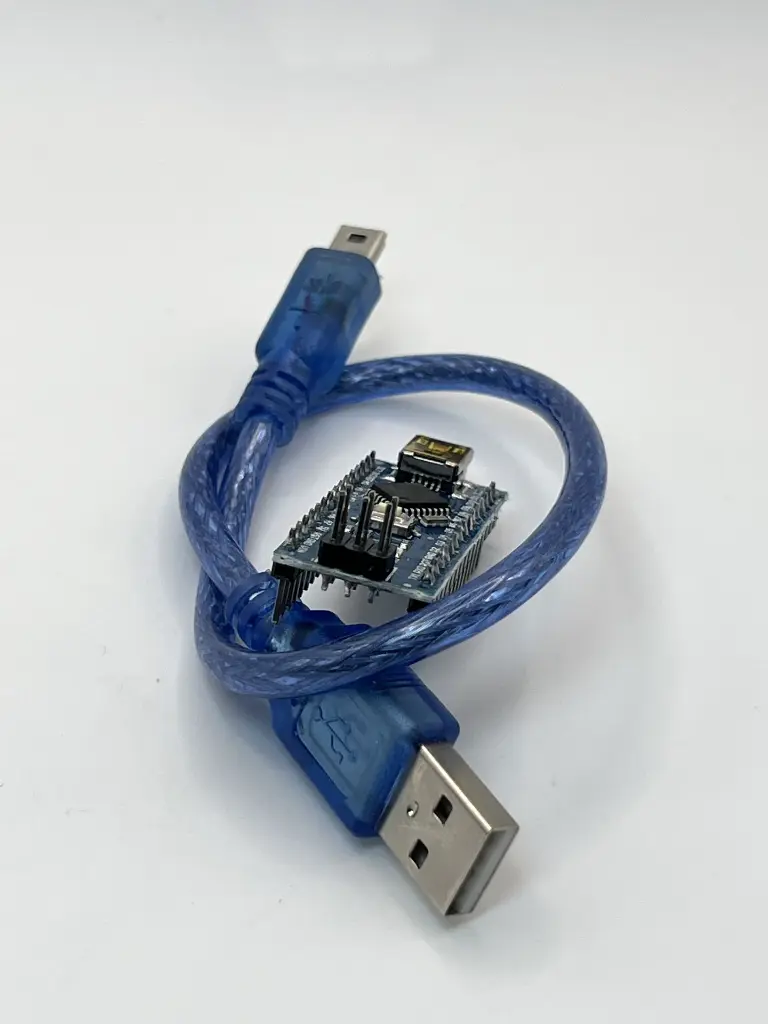
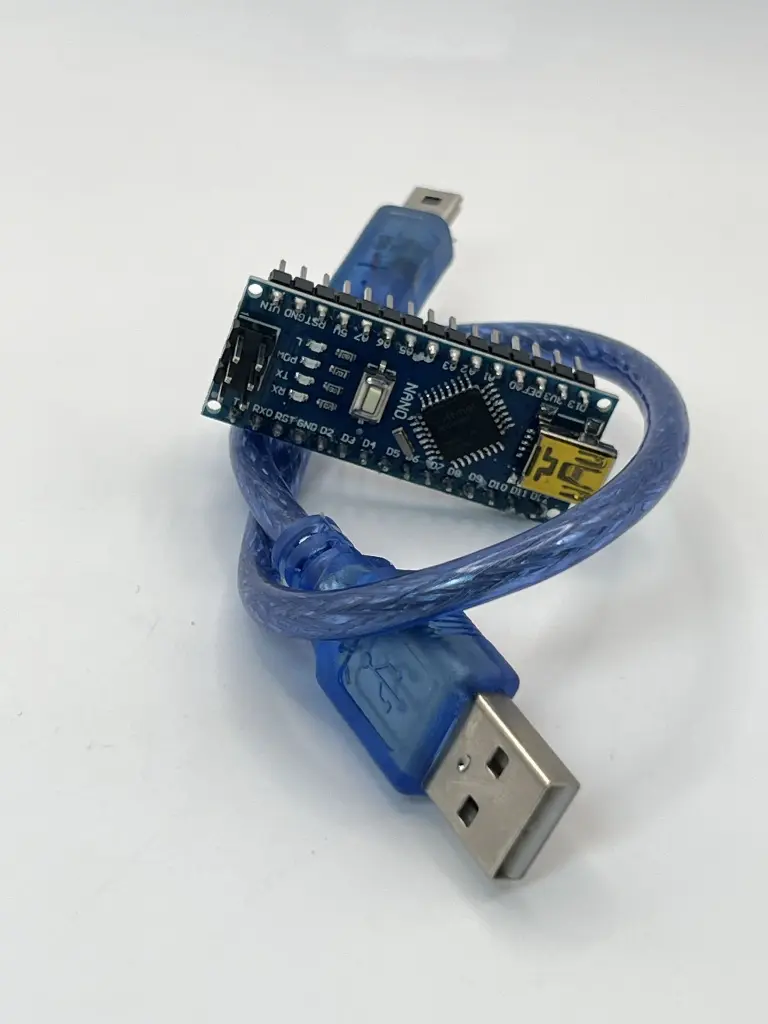
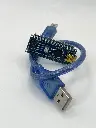
Arduino NANO V3.0 with cable
The Arduino Nano V3.0 is a compact, breadboard-friendly microcontroller board based on the ATmega328P. It is part of the Arduino platform and is designed for use in small projects and prototyping. The board includes a USB cable for easy connection to a computer for programming and power.
Key Features:
Key Features:
- ATmega328P microcontroller
- Compact size with 30mm x 18mm dimensions
- 22 digital I/O pins, of which 6 can be used as PWM outputs
- 8 analog input pins
- 32 KB Flash memory for program storage
- 2 KB SRAM for data storage
- 1 KB EEPROM for non-volatile data storage
- Built-in USB interface for easy programming
- Compatible with Arduino IDE for development
- Microcontroller: ATmega328P
- Operating Voltage: 5V
- Input Voltage: 7-12V (through the power jack or USB)
- Digital I/O Pins: 22
- PWM Output Pins: 6
- Analog Input Pins: 8
- Flash Memory: 32 KB
- SRAM: 2 KB
- EEPROM: 1 KB
- Clock Speed: 16 MHz
- USB Interface: Mini-USB
- Dimensions: 30mm x 18mm
- Prototyping and development for electronics projects
- Embedded systems and automation
- Robotics
- Sensor interfacing and data acquisition
- Educational projects and learning
- Connection: Connect the Arduino Nano V3.0 to your computer using the included USB cable. The USB cable is used for both power and programming.
- Programming: Use the Arduino IDE to write and upload code to the board via the USB connection.
- Connection to Peripherals: Utilize the digital and analog I/O pins to connect sensors, actuators, and other peripherals.
- Power Supply: The board can be powered through the USB connection or via an external power source connected to the VIN pin.
- Ensure correct voltage levels are used to avoid damaging the board. The recommended input voltage is 7-12V.
- Avoid short-circuiting the pins and connections.
- Handle the board and USB cable with care to prevent physical damage.
No Specifications