
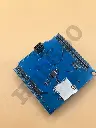
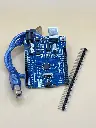
SD card Shield
5 sold in last 24 hours
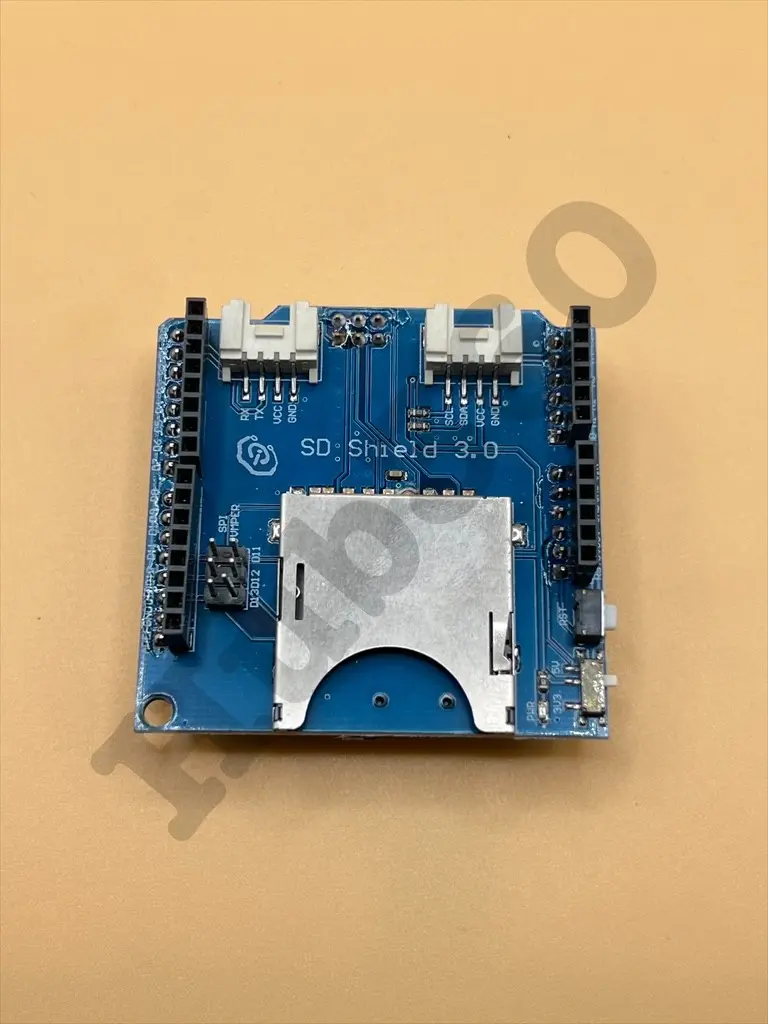
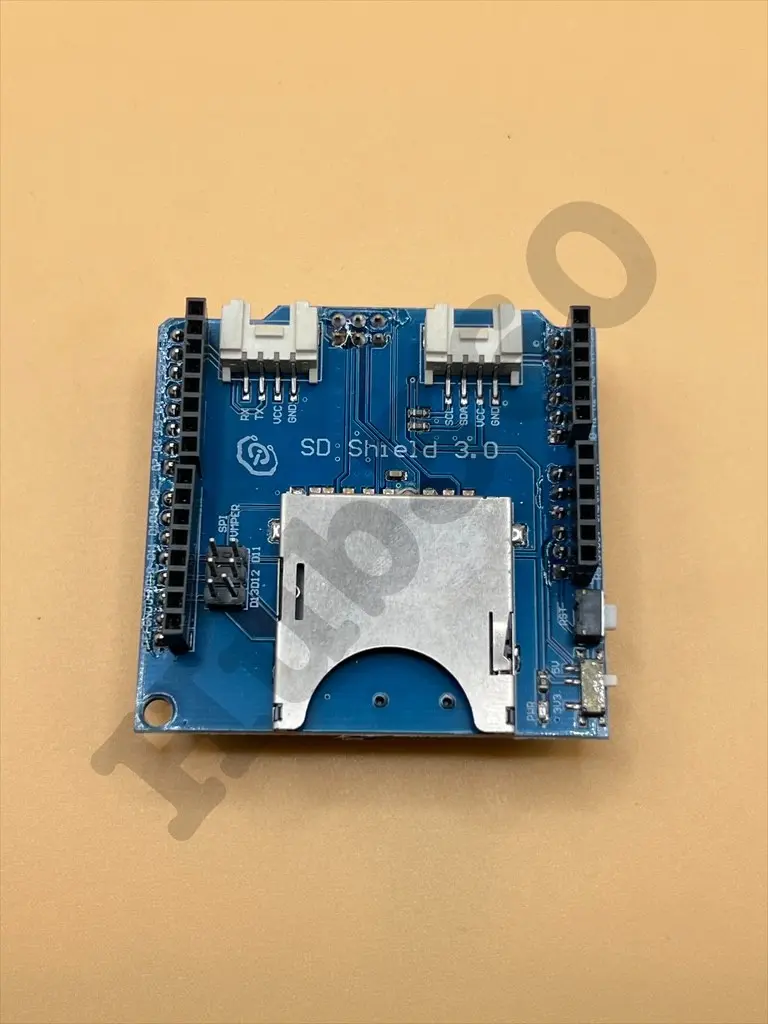
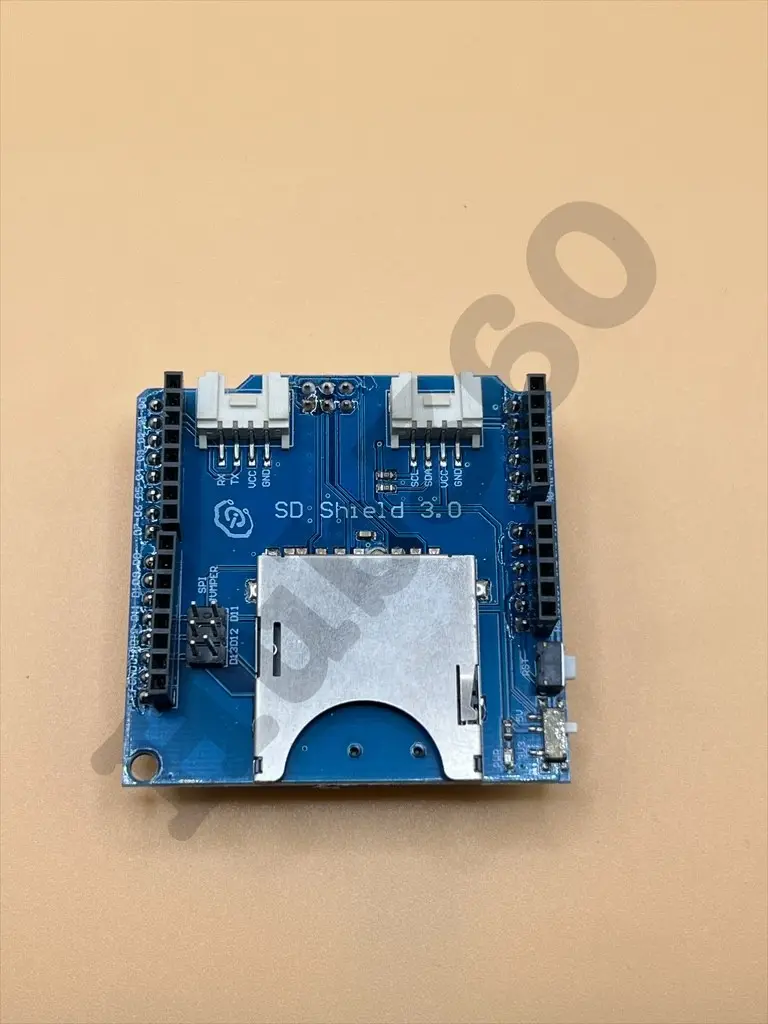
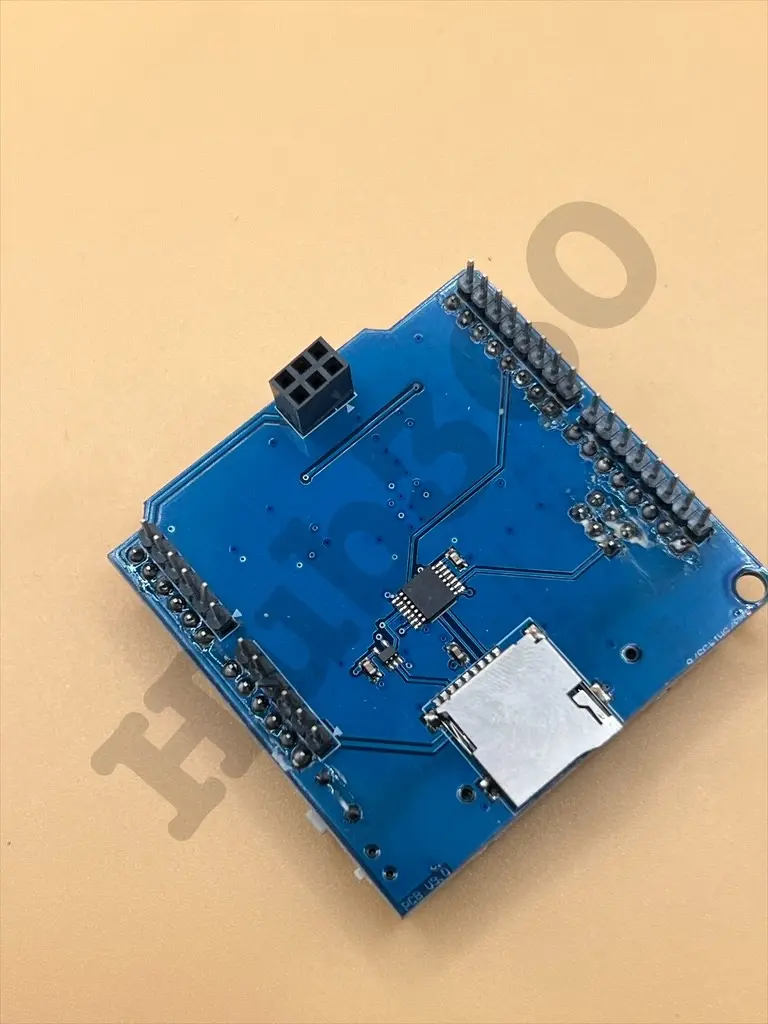
The SD Card Shield is a versatile and essential accessory for adding SD card storage to your Arduino projects. It allows you to read and write data to standard SD cards, enabling data logging, file storage, and other applications that require external storage. The shield is easy to integrate and compatible with various Arduino boards, making it ideal for expanding the capabilities of your projects.
Key Features:
- Standard SD card, SDHC card, and TF card compatible
- UART Grove & I2C connection compatible
- Fully supported SD Library
- Minimal number of SPI port
- Truly stackable design
- Voltage: 3.5V (min), 5.0V (typical), 5.5V (max)
- Current: 0.159mA (min), 100mA (typical), 200mA (max)
- Supported Card Types: SD card (≤32GB), Micro SD card (≤32GB), SDHC card (≤32GB)
- Dimensions: 68.7 x 53.5 x 19.0 mm
- Net Weight: 14.8 g
- Data logging
- File storage and retrieval
- Storing configuration files
- Expanding memory for Arduino projects
- Installation: Attach the SD Card Shield to your Arduino board.
- Card Insertion: Insert the SD card into the shield's slot.
- Library Inclusion: Include the SD library in your Arduino IDE.
- Code Development: Write and upload your Arduino code to read/write data to the SD card.
- Data Management: Use the SD card for storing and retrieving data as needed.
- Ensure proper insertion of the SD card to avoid damage.
- Format the SD card correctly before use.
- Avoid removing the SD card while data is being written or read.
No Specifications