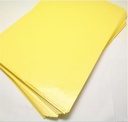

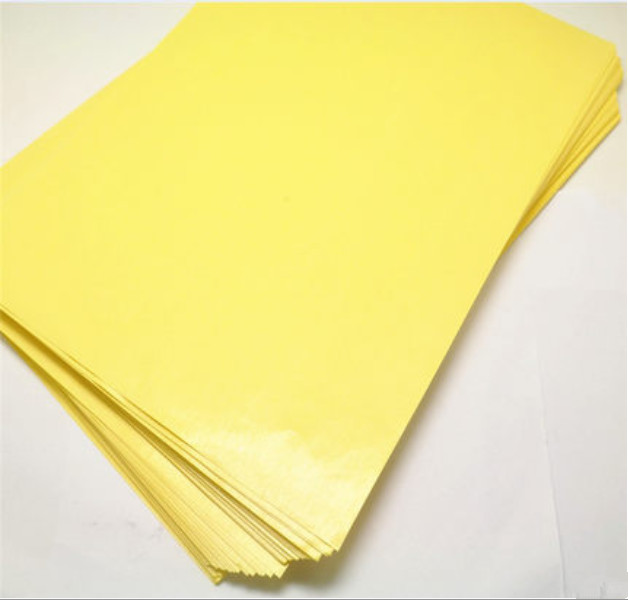
PCB A4 paper (100pcs Pack)
15 sold in last 24 hours
PCB A4 Paper is a specialized paper designed for the transfer of printed circuit board (PCB) designs from a computer or printer onto copper-clad boards. It is ideal for hobbyists and professionals who need to create high-quality PCB prototypes. This paper ensures precise and clean transfers, making the PCB fabrication process more efficient and reliable.
Key Features:
Key Features:
- High Transfer Quality: Ensures clean and precise transfers
- Standard Size: A4 dimensions for compatibility with most printers
- Easy to Use: Simple transfer process using a standard iron or heat press
- Durable Material: Designed to withstand high temperatures during the transfer process
- Paper Size: A4 (210 x 297 mm)
- Material: Specially coated for toner transfer
- Thickness: Suitable for standard printer and iron usage
- Compatibility: Works with laser printers and photocopiers
- PCB prototyping
- Electronics projects
- DIY circuit boards
- Educational purposes
- Print your PCB design onto the PCB A4 paper using a laser printer.
- Place the printed paper face down on a copper-clad board.
- Apply heat using an iron or heat press to transfer the toner onto the board.
- Carefully remove the paper, leaving the toner design on the copper board.
- Etch the board in a ferric chloride solution to remove the exposed copper.
- Clean the board and drill holes as needed for components.
- Handle the paper with clean hands to avoid smudging the design.
- Use appropriate safety gear when working with chemicals for etching.
- Ensure even heating to achieve the best transfer quality.
No Specifications