
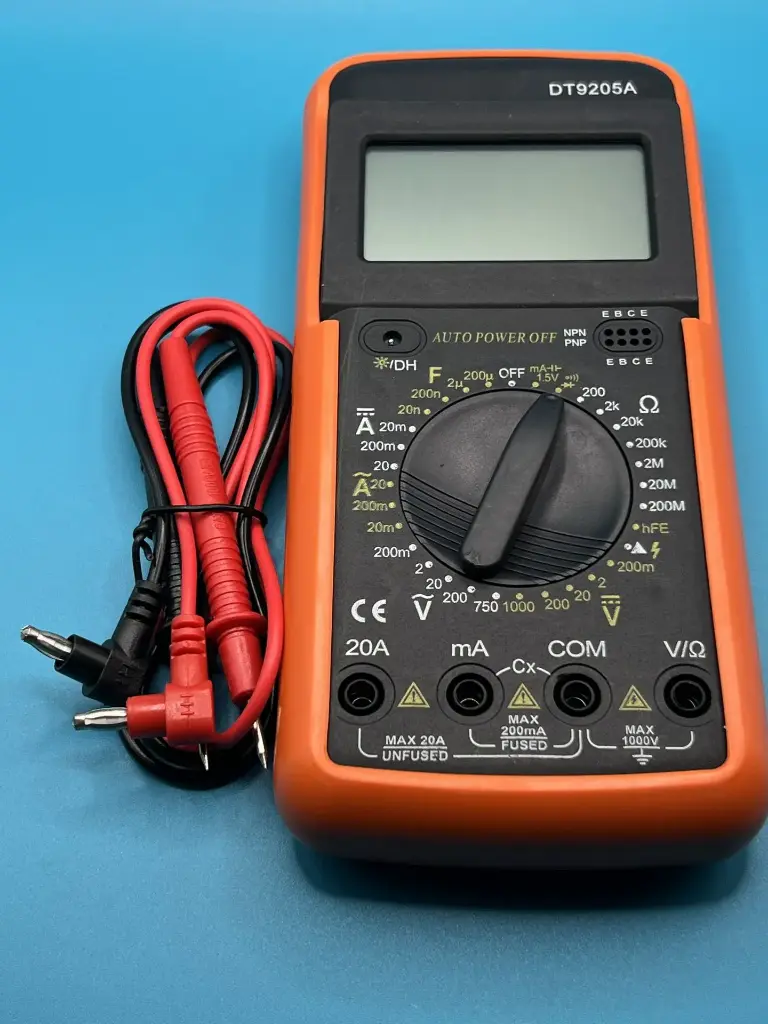
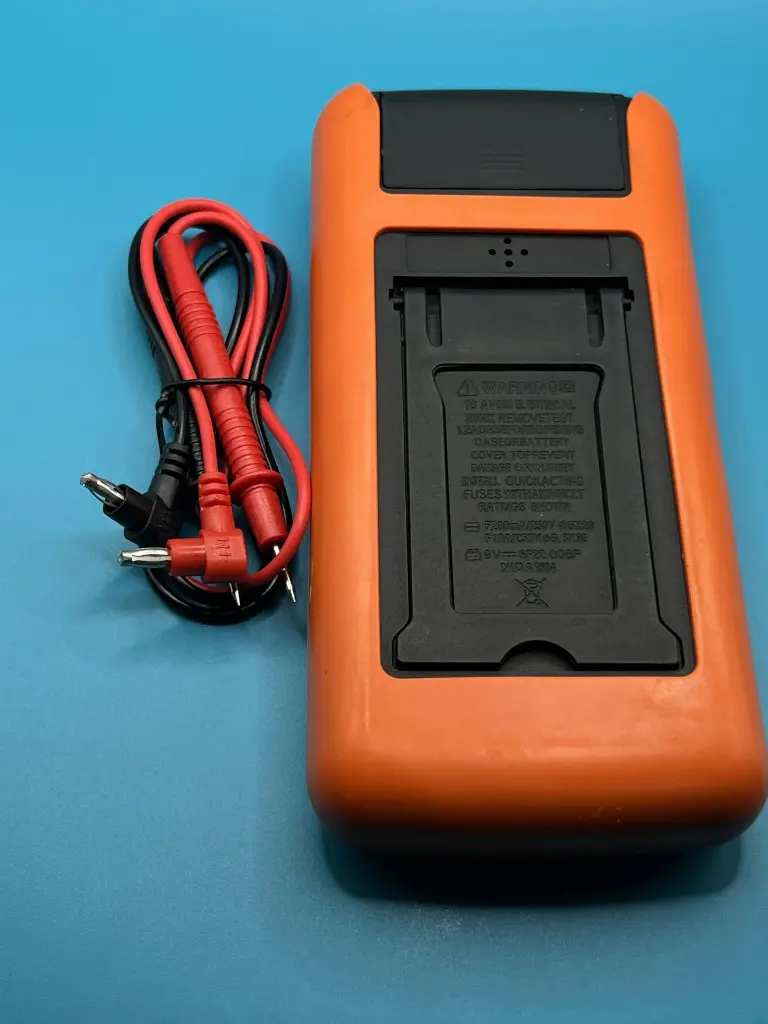
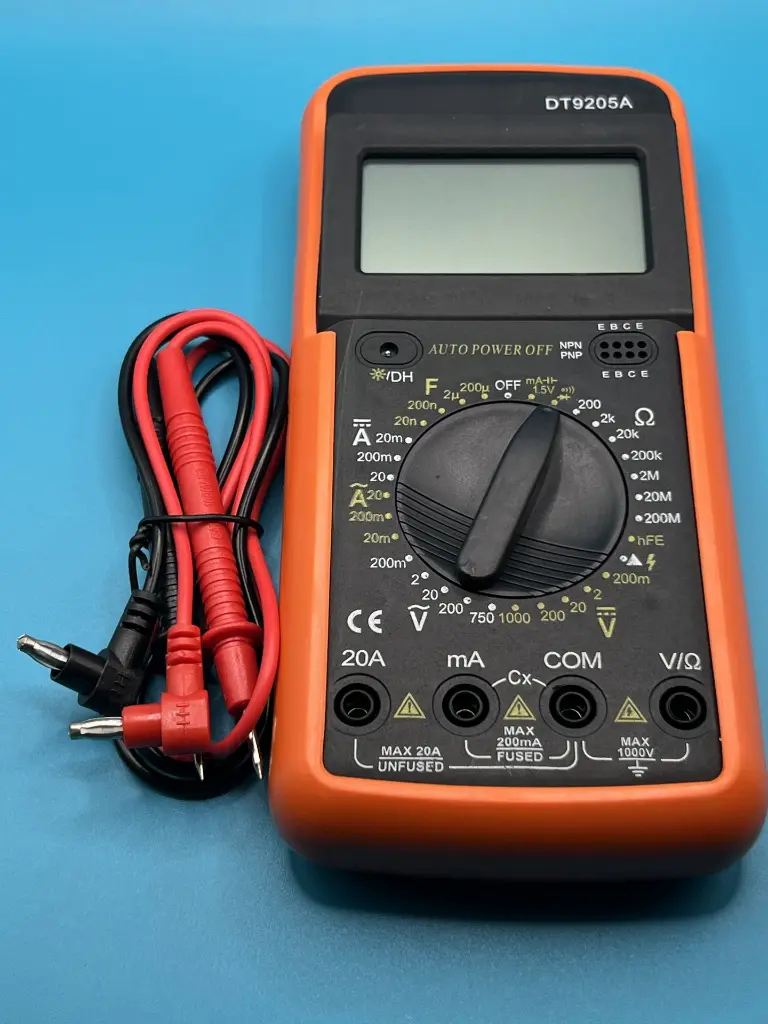
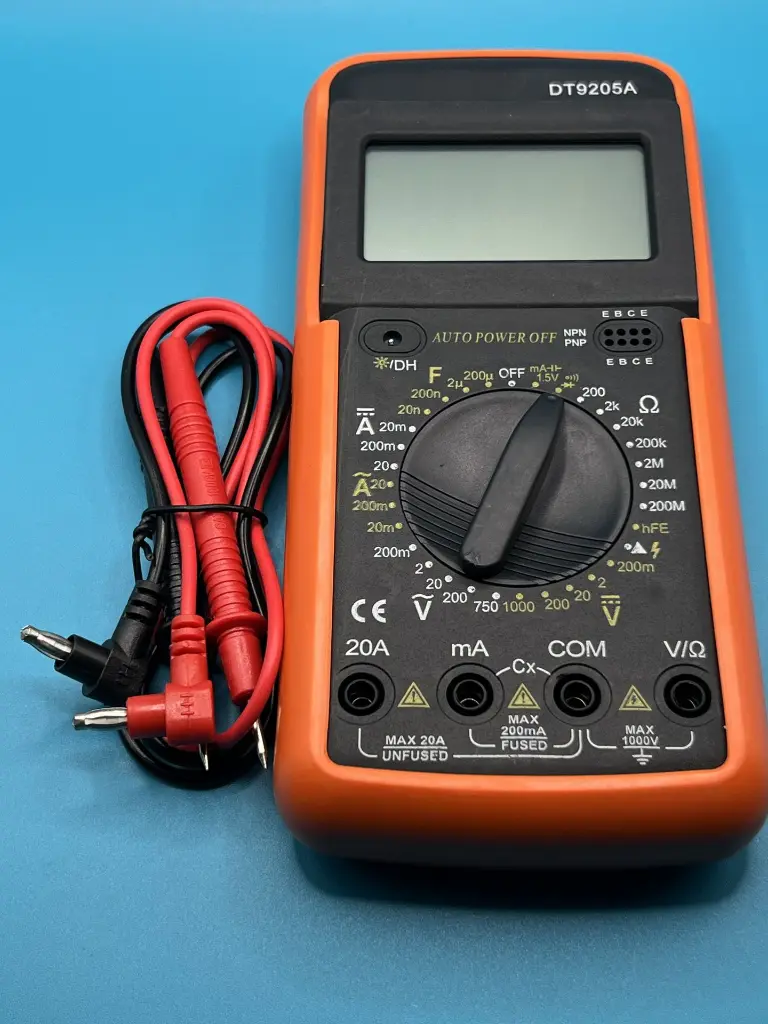
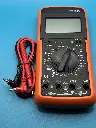
Digital multimeter DT9205A
7 sold in last 24 hours
The DT9205A Digital Multimeter is a versatile and reliable tool designed for measuring various electrical parameters. Ideal for both professionals and hobbyists, this multimeter can measure voltage, current, resistance, capacitance, and more with high accuracy. It features a large LCD display for easy reading and a robust design for durability.
Key Features:
- Wide Measurement Range: Measures AC/DC voltage, AC/DC current, resistance, capacitance, and frequency
- High Accuracy: Provides precise readings for reliable diagnostics
- Large LCD Display: Easy-to-read display with backlight for low-light conditions
- Data Hold Function: Freezes the current reading on the display for easy reference
- Overload Protection: Safeguards the multimeter from damage due to excessive input
- Auto Power Off: Conserves battery life by turning off the device after a period of inactivity
- DC Voltage: 200mV to 1000V
- AC Voltage: 2V to 750V
- DC Current: 20µA to 20A
- AC Current: 20µA to 20A
- Resistance: 200Ω to 200MΩ
- Capacitance: 2nF to 200µF
- Frequency: 20kHz
- Power Supply: 9V battery (6F22)
- Dimensions: 190 x 90 x 35 mm
- Weight: 350g
- Electrical troubleshooting and repair
- Electronic circuit testing
- Home appliance maintenance
- Automotive diagnostics
- Educational purposes and learning tools
- Turn on the multimeter and select the desired measurement mode using the rotary switch.
- Connect the test leads to the appropriate input terminals.
- Place the test probes on the component or circuit to be measured.
- Read the measurement value on the LCD display.
- Use the data hold function if needed to freeze the reading on the display.
- Always disconnect the test leads from the circuit before changing measurement modes.
- Do not exceed the specified input limits to avoid damage.
- Use proper safety precautions when working with high voltages.
- Store the multimeter in a dry place to prevent moisture damage.
No Specifications