
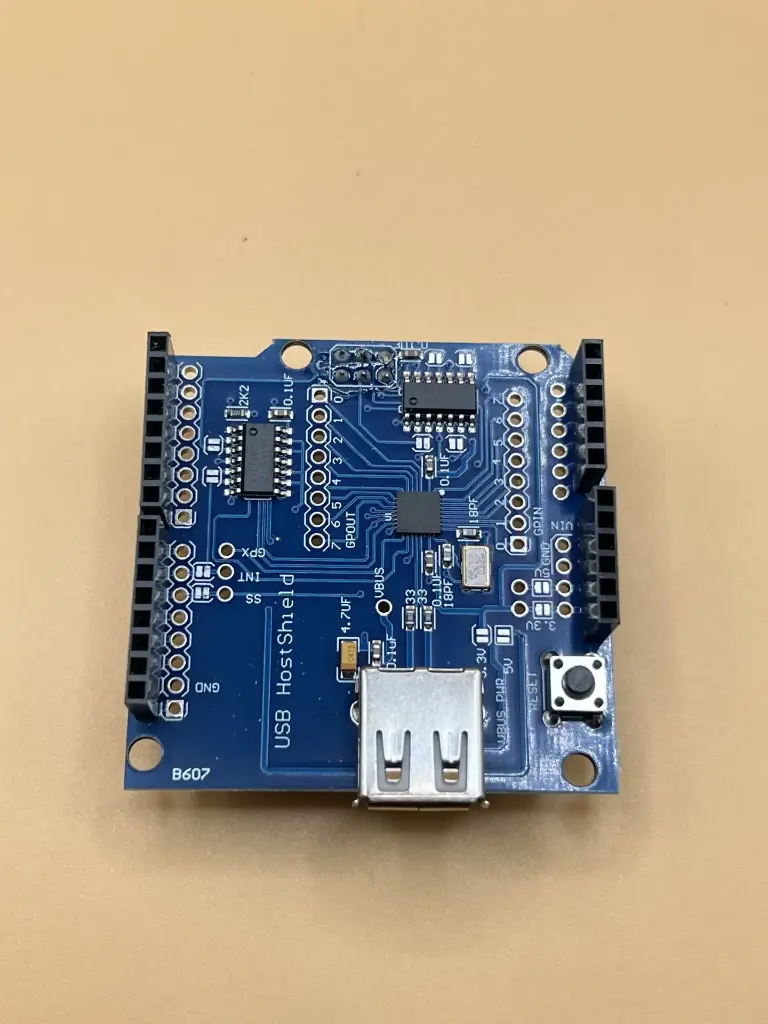
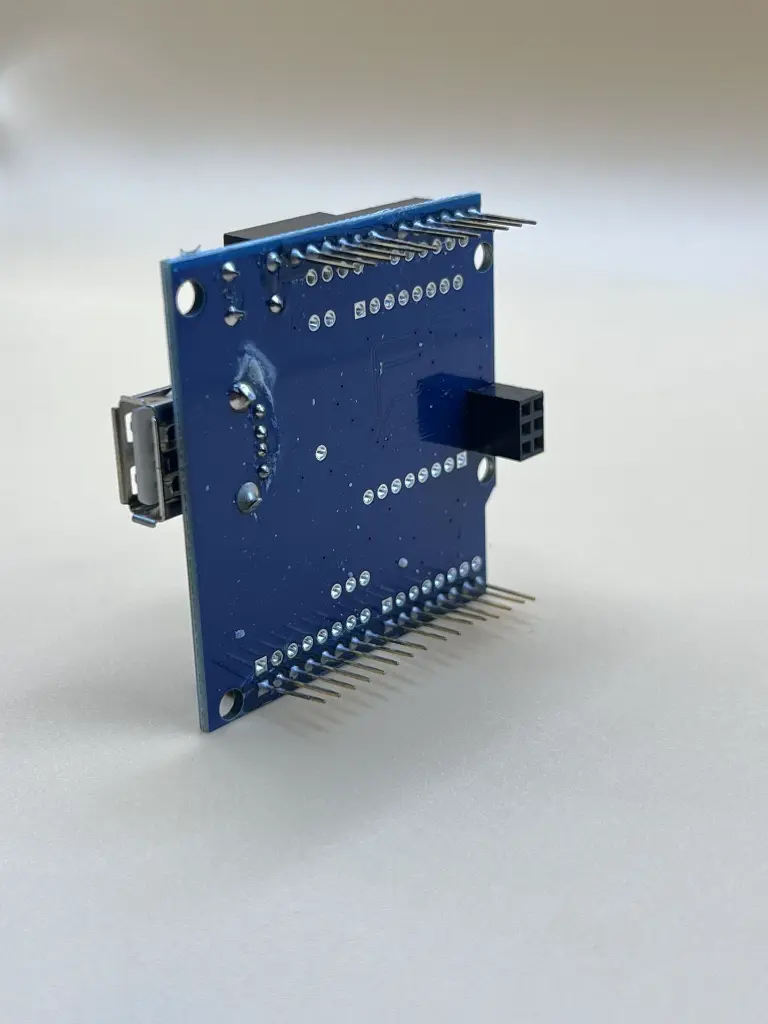
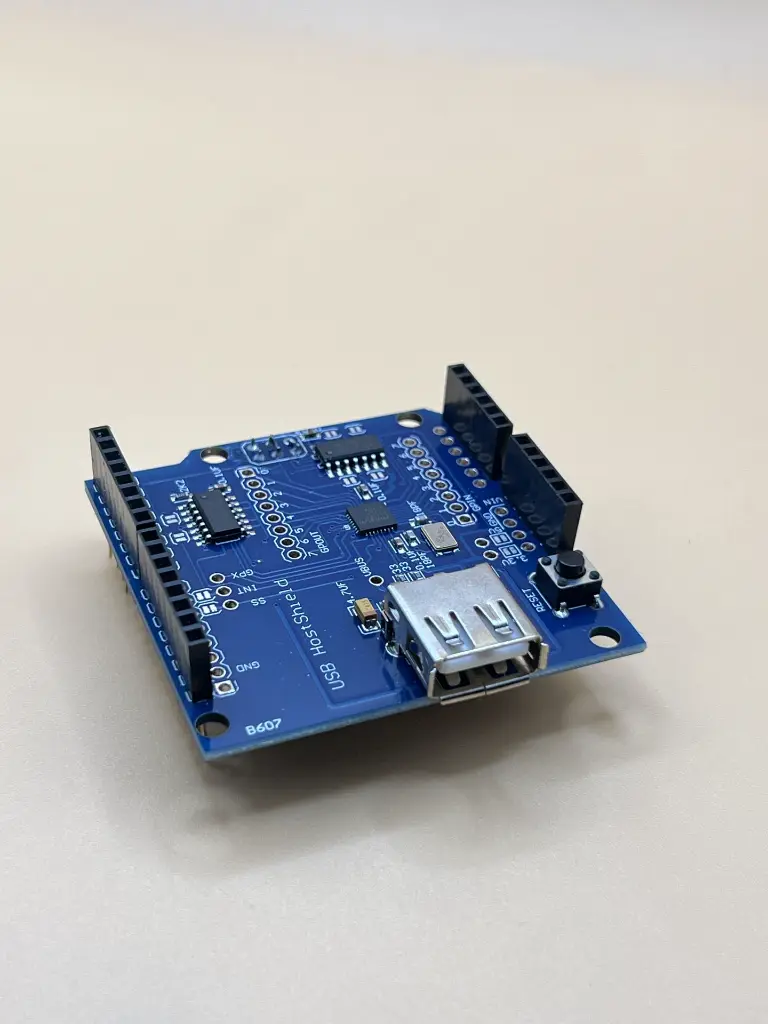
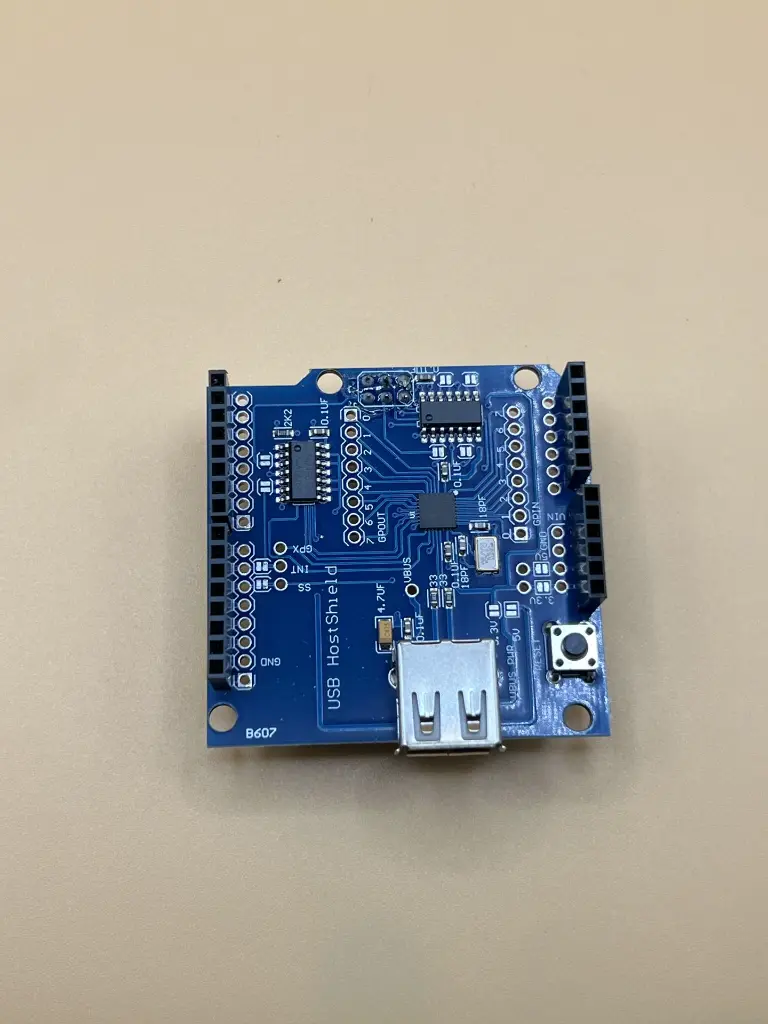
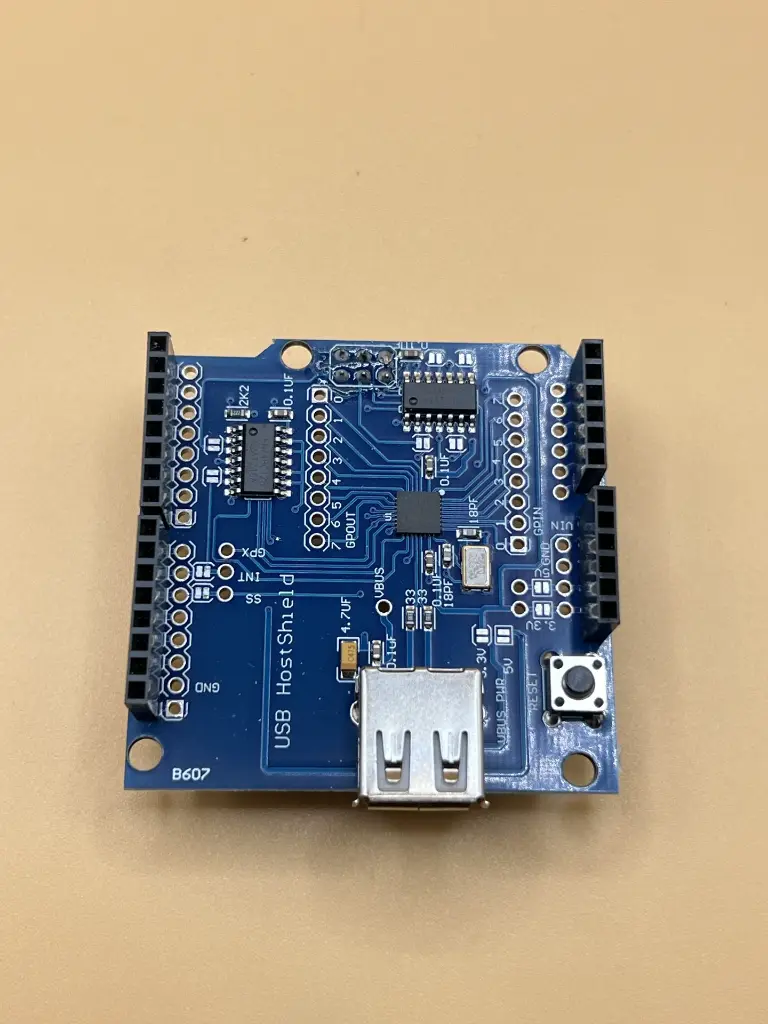
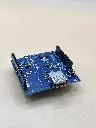
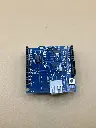
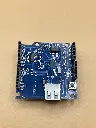
The Arduino USB Host Shield enables the connection of USB devices to an Arduino board, expanding its functionality by allowing it to interface with USB peripherals. Based on the MAX3421E USB controller, this shield supports full-speed USB operation and is compliant with USB specification 2.0. It is ideal for projects that require interaction with USB devices such as keyboards, mice, or storage devices.
Key Features:
- Connects USB devices to Arduino boards
- Based on the MAX3421E USB controller (datasheet)
- Supports full-speed USB operation
- Compatible with a variety of USB peripherals
- Operating Voltage: 5V
- USB Controller: MAX3421E
- Maximum Current: 500mA (when Arduino is powered by an external power supply)
- Maximum Current: 400mA (when Arduino is powered via USB)
- Connecting USB devices (keyboards, mice) to Arduino
- USB data logging and communication
- Building USB-controlled projects
- Mount the USB Host Shield on the Arduino board.
- Connect the USB device to the shield's USB port.
- Use the Arduino USB Host library to interface with the USB device.
- Develop and upload the necessary Arduino sketch for device interaction.
- Ensure that the Arduino power source is sufficient to provide the required current for connected USB devices.
- Verify compatibility of connected USB devices with the shield.
- Follow manufacturer guidelines for proper installation and use.
No Specifications