
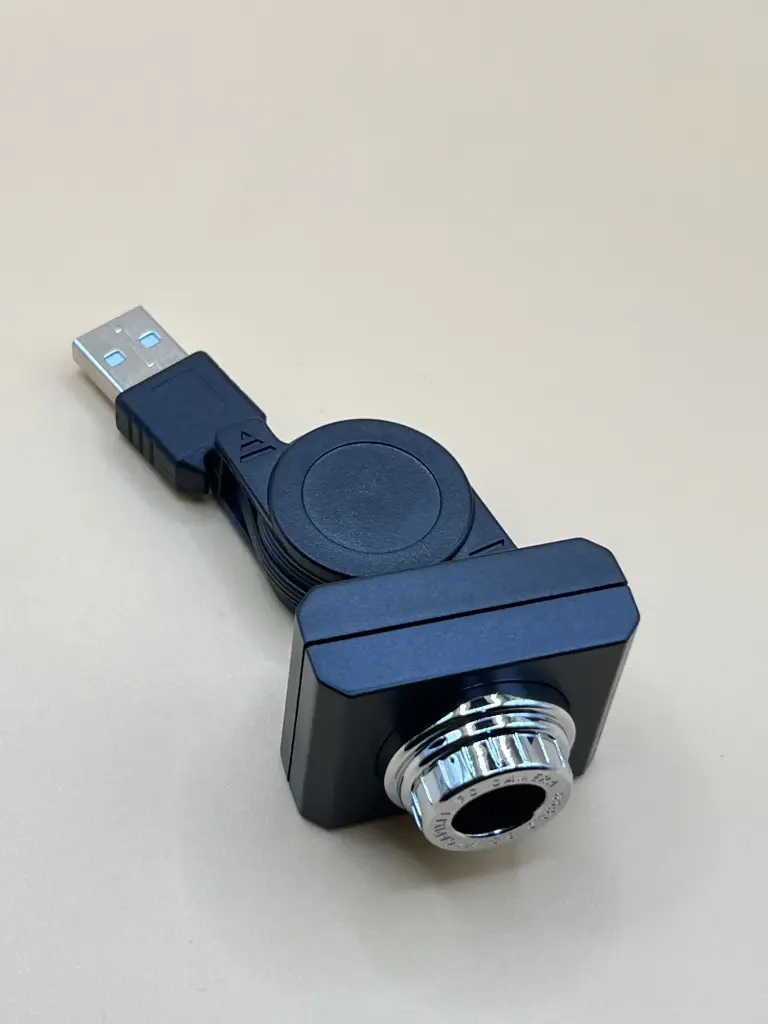
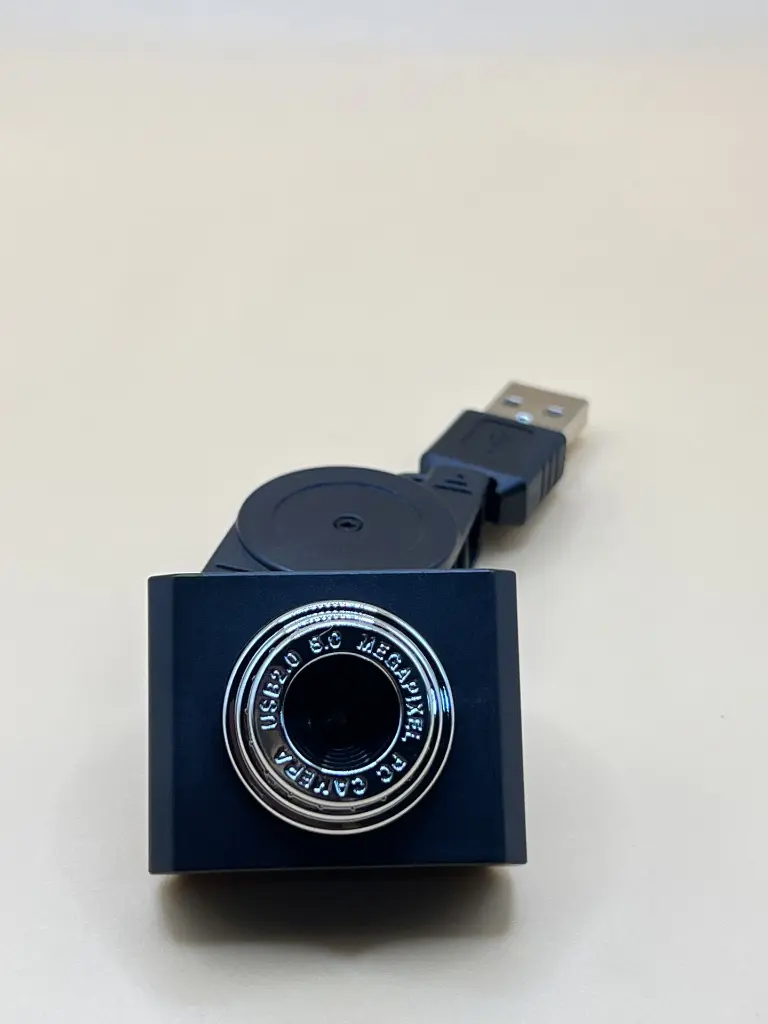
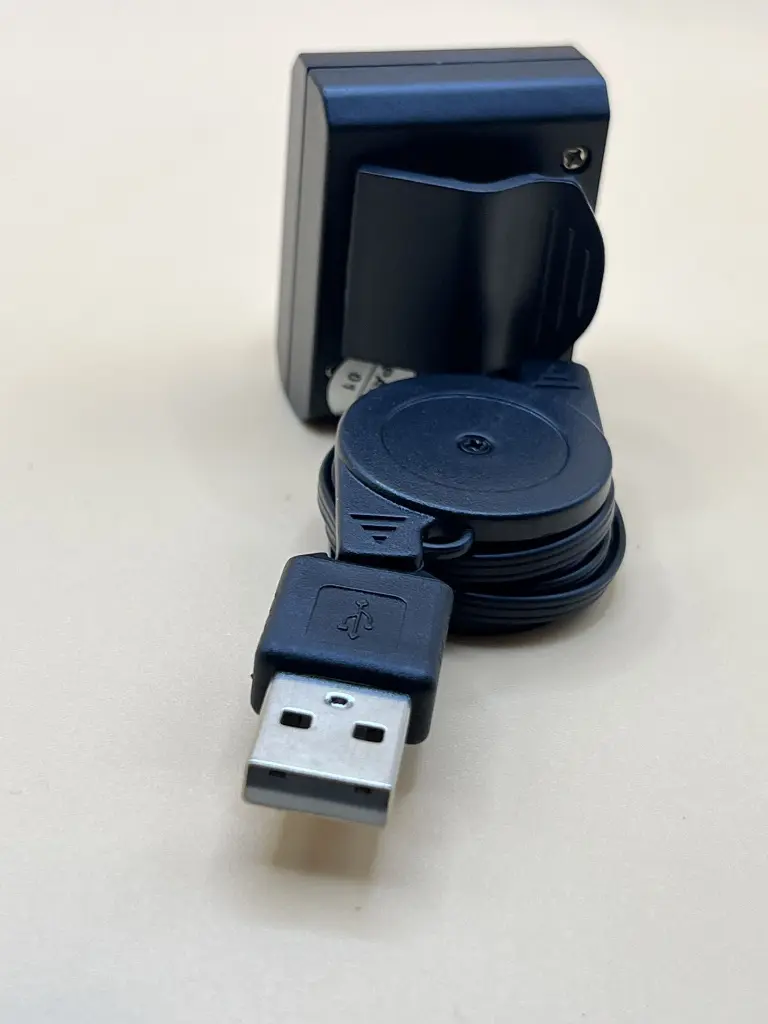
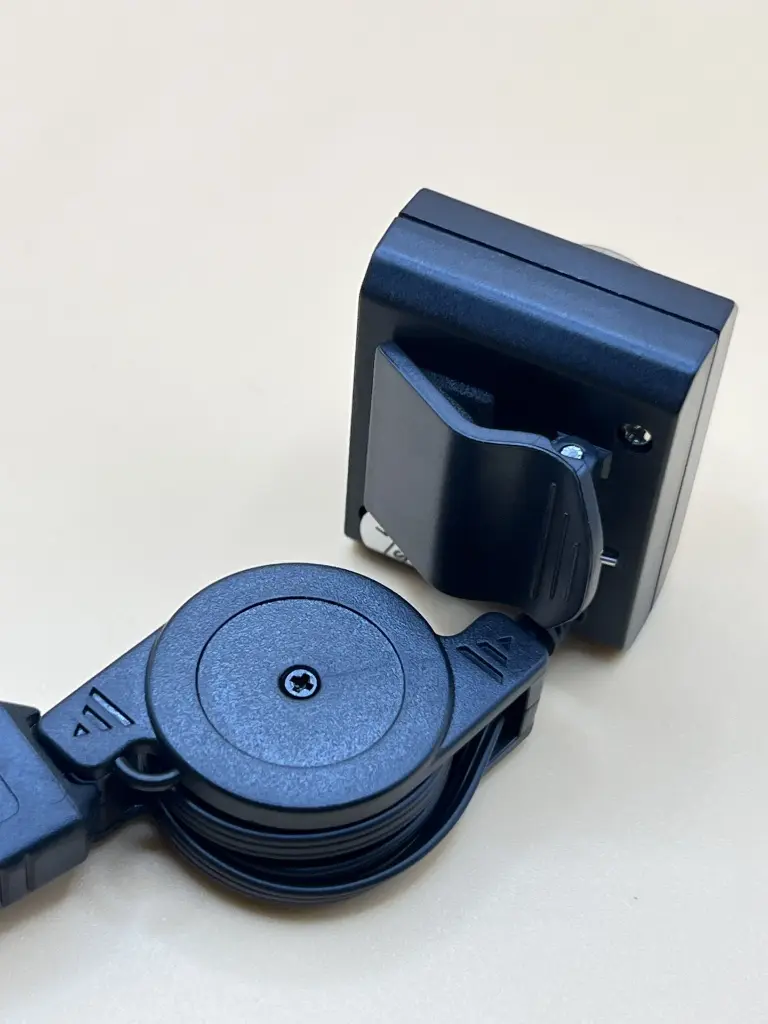
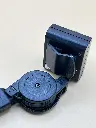
The Raspberry Pi 3 USB Camera is a high-quality, plug-and-play camera module designed for use with the Raspberry Pi 3. This camera offers excellent image and video capture capabilities, making it ideal for a variety of applications including security systems, video conferencing, robotics, and DIY projects. Its easy USB connectivity ensures a hassle-free setup and reliable performance.
Key Features:
- High-resolution image and video capture
- Plug-and-play USB connectivity
- Compatible with Raspberry Pi 3
- Built-in microphone for audio recording
- Compact and lightweight design
- Adjustable focus lens
- Resolution: 1080p Full HD
- Connectivity: USB 2.0
- Frame Rate: Up to 30 fps
- Lens: Adjustable focus
- Microphone: Built-in
- Cable Length: 1.5 meters
- Operating Voltage: 5V (via USB)
- Operating Temperature Range: -20°C to +70°C
- Compatibility: Raspberry Pi 3, Windows, Linux, macOS
- Security and surveillance systems
- Video conferencing and streaming
- Robotics and AI projects
- DIY electronics and hobbyist projects
- Educational tools and experiments
- Connect the camera to a USB port on the Raspberry Pi 3.
- Install the necessary drivers or software if required.
- Configure the camera settings via your preferred software or application.
- Use the camera for capturing images, recording videos, or streaming live content.
- Adjust the focus lens for optimal image clarity.
- Handle the camera with care to avoid damage to the lens and internal components.
- Ensure proper ventilation to avoid overheating during extended use.
- Follow the manufacturer’s guidelines for installation and operation.
No Specifications