
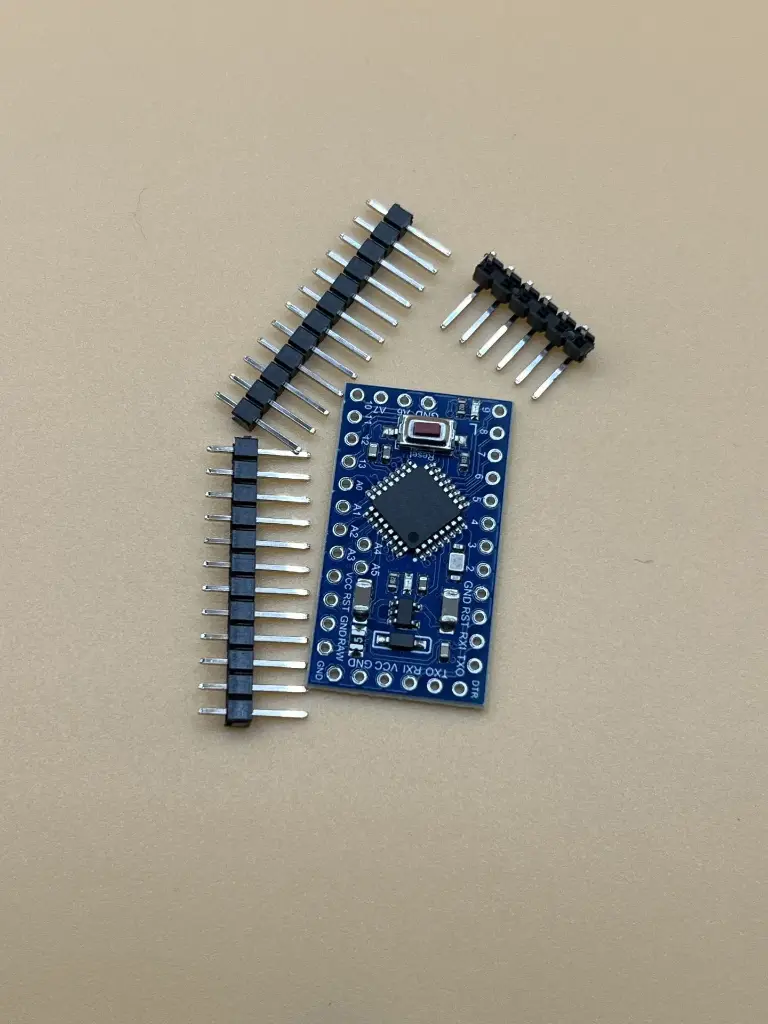
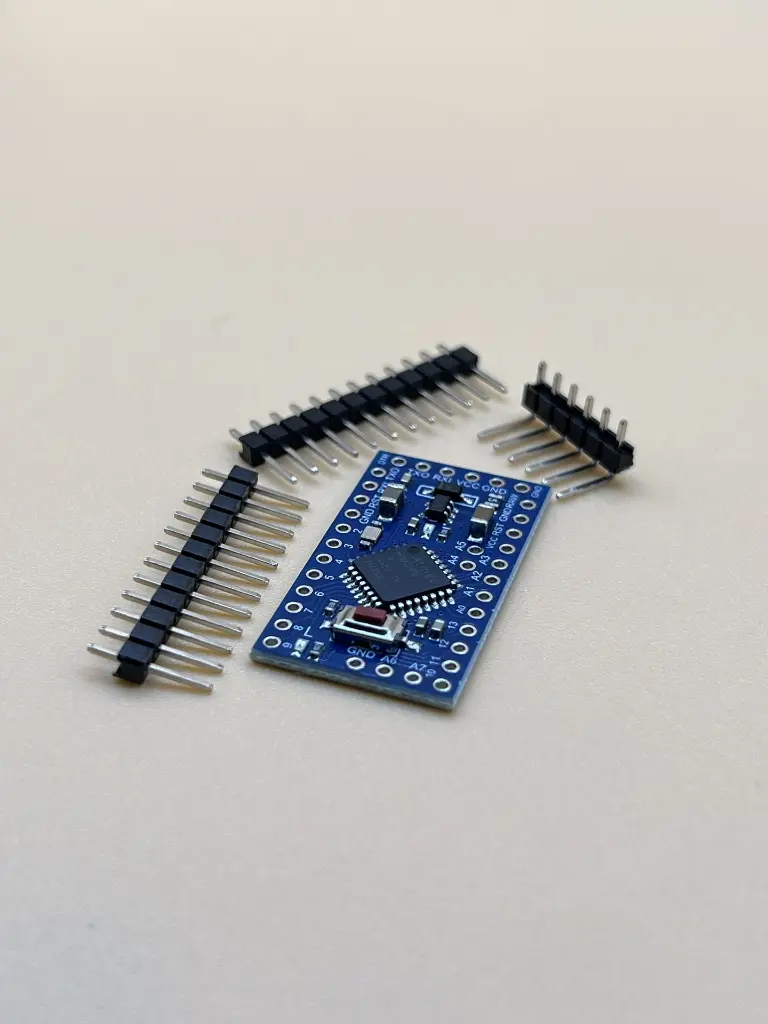
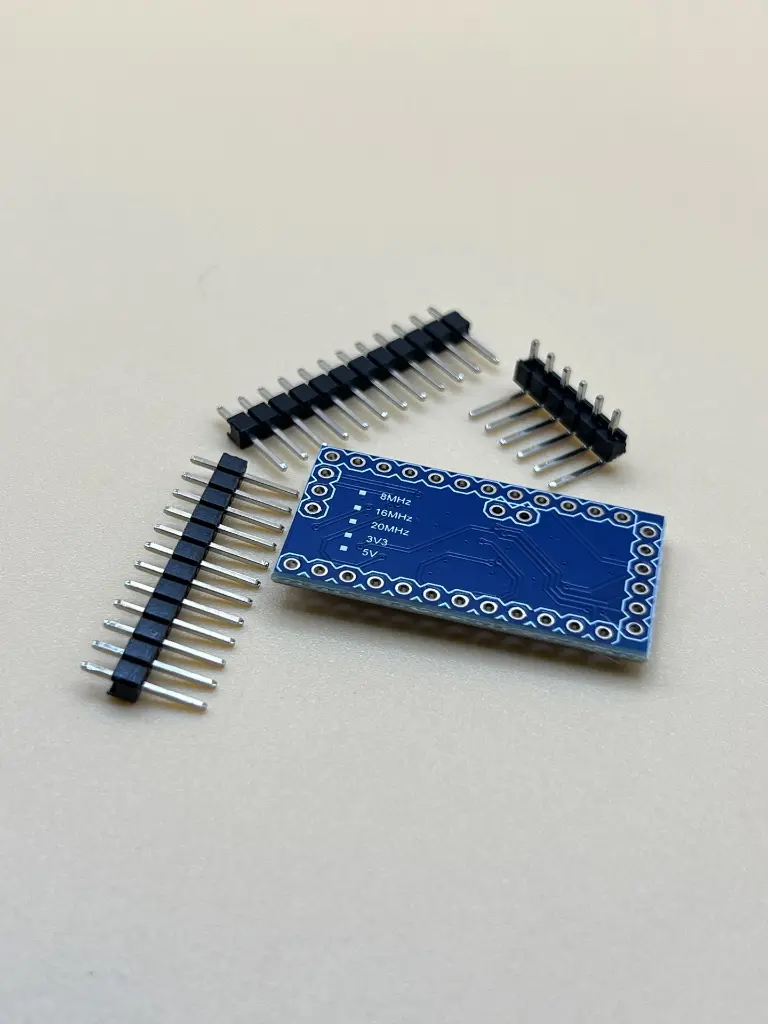
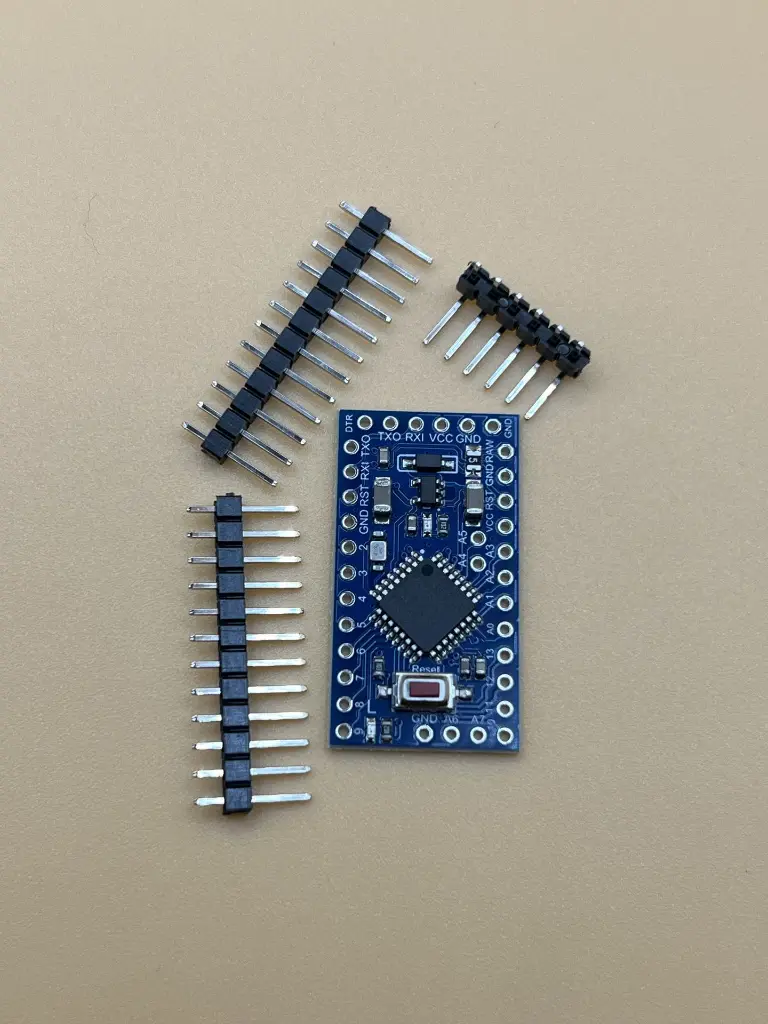
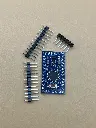
The Arduino Pro Mini is a compact, versatile microcontroller board based on the ATmega328P. Designed for advanced users who require a small form factor and flexibility, it is ideal for embedded systems, wearable projects, and space-constrained applications. The Pro Mini provides all the functionality of the Arduino Uno with reduced size and power consumption.
Key Features:
- ATmega328P microcontroller
- Compact and lightweight design
- 14 digital I/O pins (6 can be used as PWM outputs)
- 8 analog input pins
- On-board reset button
- Operating voltage: 5V
- Clock speed: 16 MHz
- Low power consumption
- Microcontroller: ATmega328P
- Operating Voltage:Â 5V
- Input Voltage: 5-12V
- Digital I/O Pins: 14 (of which 6 provide PWM output)
- Analog Input Pins: 8
- DC Current per I/O Pin: 40 mA
- Flash Memory: 32 KB (of which 2 KB used by bootloader)
- SRAM: 2 KB
- EEPROM: 1 KB
- Clock Speed: 16 MHz
- Dimensions: 18mm x 33mm
- Embedded systems
- Wearable technology
- Robotics
- DIY electronics projects
- Prototyping and development
- Educational tools
- Connect the Arduino Pro Mini to a USB-to-serial adapter for programming.
- Install the Arduino IDE and configure it for the Pro Mini.
- Write, compile, and upload your code to the Pro Mini.
- Integrate the Pro Mini into your project, connecting sensors, actuators, and other peripherals as needed.
- Power the Pro Mini using an external power source within the specified voltage range.
- Ensure correct voltage levels to prevent damage to the board.
- Handle with care to avoid static discharge.
- Verify all connections and components before powering the board.
No Specifications