
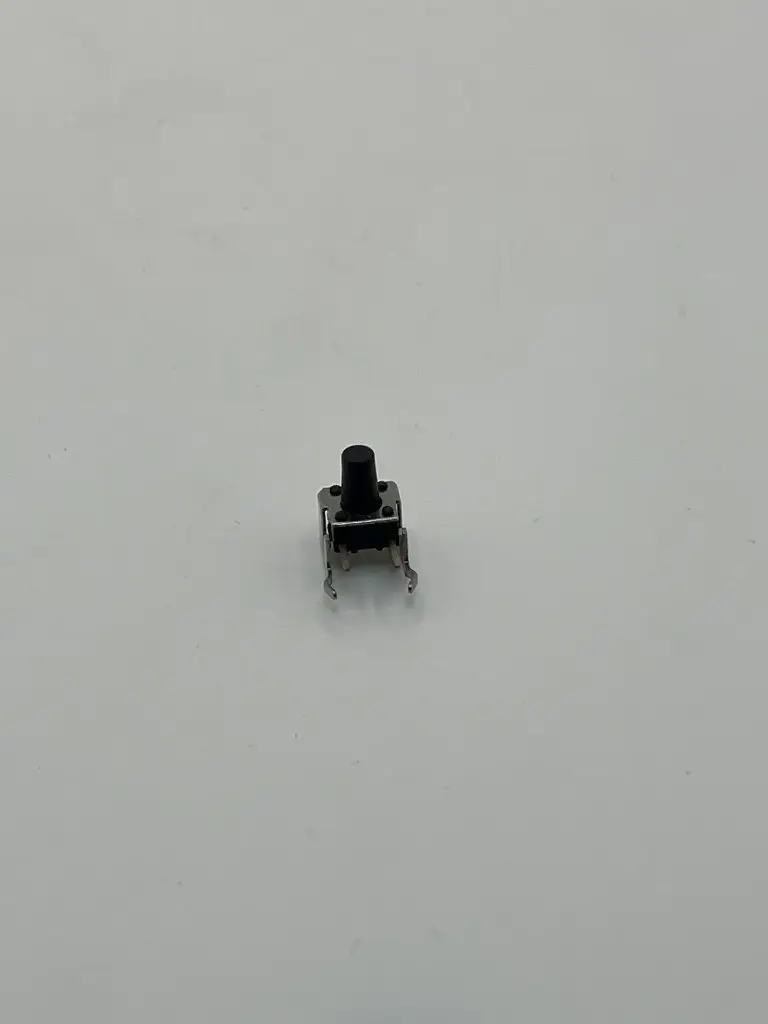
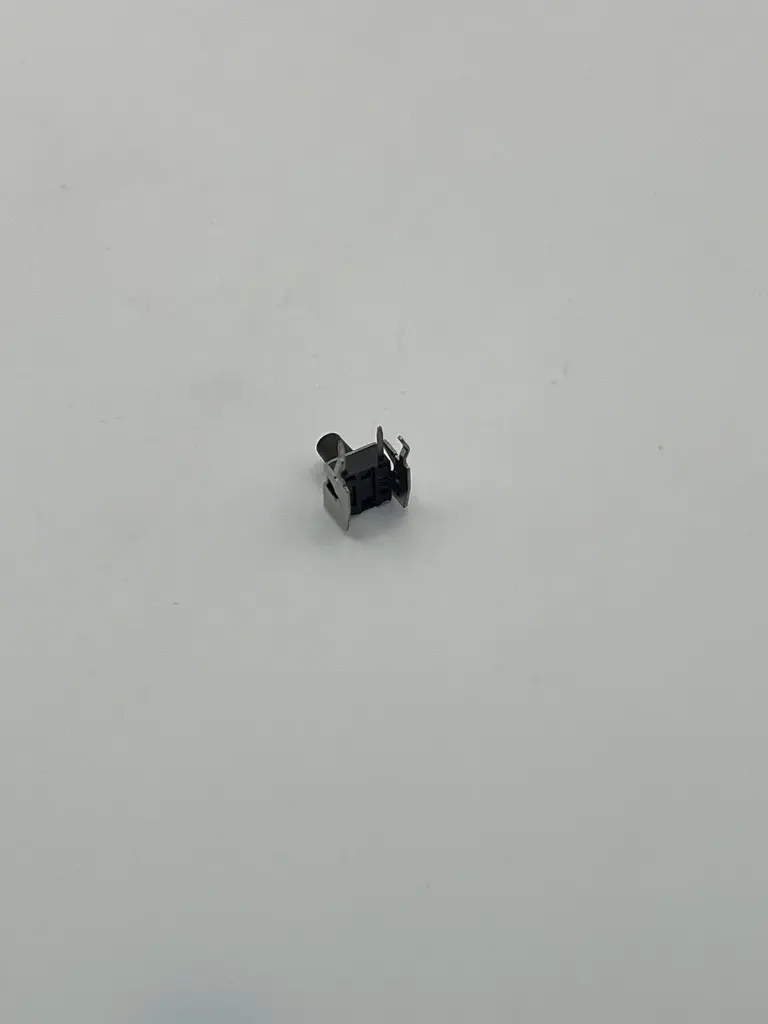
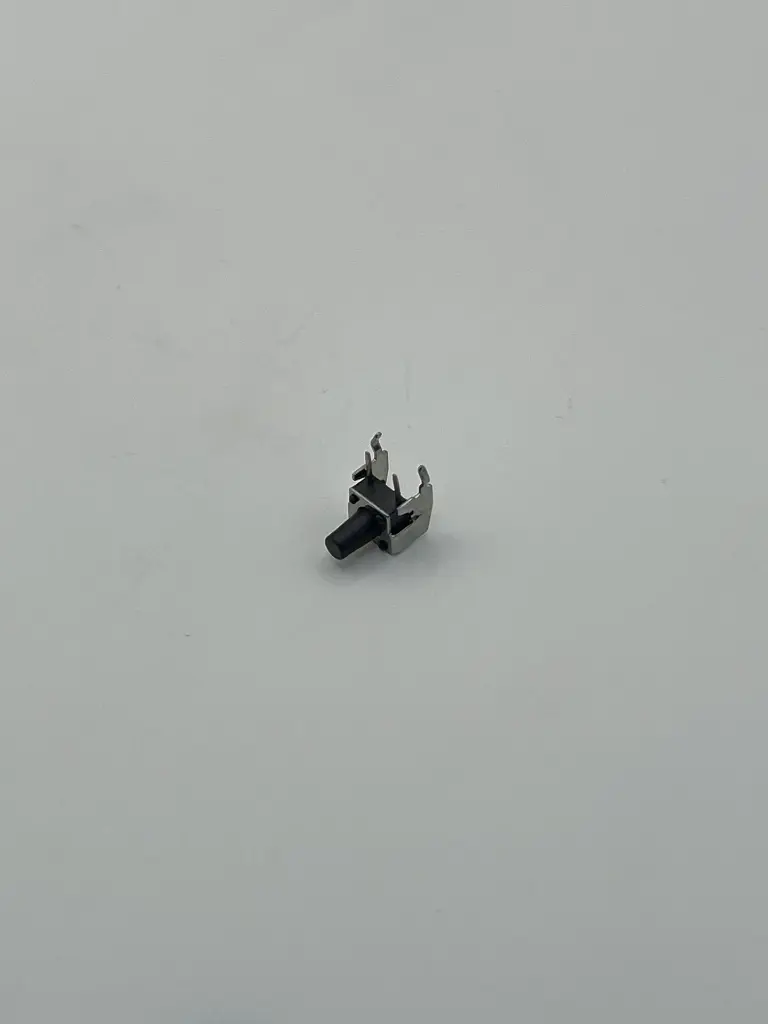
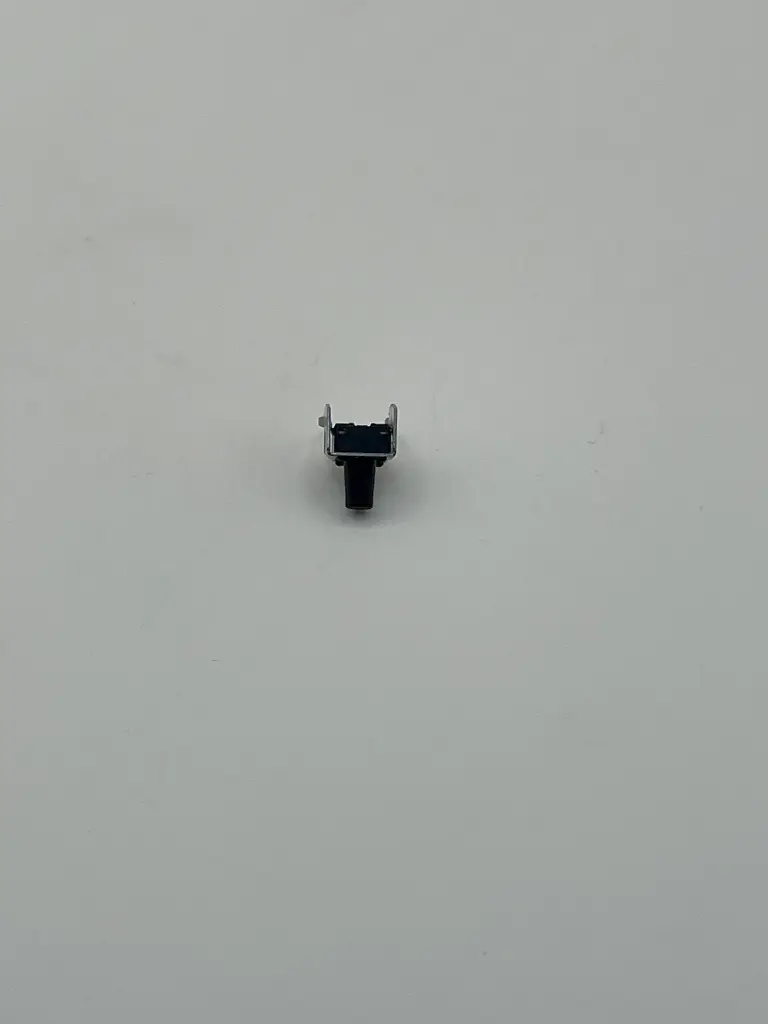
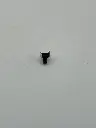
Right angled DIP tact switch
The Right-Angled DIP Tact Switch is a small, reliable switch designed for mounting directly onto a PCB (Printed Circuit Board) in a right-angled DIP (Dual In-line Package) configuration. This switch is used for various applications requiring compact and user-friendly input methods, providing tactile feedback when pressed.
Key Features:
- Design: Right-angled DIP configuration for easy PCB mounting
- Actuation: Tactile feedback with a noticeable click when pressed
- Durability: Long operational life and reliable performance
- Compact Size: Ideal for space-constrained applications
- Type: Tactile Pushbutton Switch
- Mounting Type: Through-hole (DIP)
- Contact Configuration: Typically Single Pole, Single Throw (SPST)
- Actuation Force: Approximately 160-250 grams (varies by model)
- Operating Temperature Range: -20°C to +70°C
- Contact Rating: Typically 50mA at 12V DC
- Life Cycle: Up to 100,000 cycles
- Dimensions: Approximately 6.5mm x 6.5mm x 10mm (varies by model)
- Pin Pitch: Typically 2.54mm (0.1 inch) or other standard pitches
- Consumer Electronics: Remote controls, gadgets, and portable devices
- Industrial Equipment: Control panels and user interfaces
- DIY Projects: Electronics prototyping and hobbyist projects
- Computing: Keyboards, mice, and other input devices
- Mounting: Insert the switch into the designated PCB holes and solder the pins to secure it.
- Operation: Press the top of the switch to engage the contacts. The switch provides tactile feedback indicating activation.
- Integration: Connect the switch terminals to your circuit as needed, based on the functionality required.
- Handling: Avoid excessive mechanical force to prevent damage to the switch or PCB.
- Soldering: Ensure proper soldering to avoid weak or intermittent connections.
- Compatibility: Verify the switch's specifications and dimensions to ensure compatibility with your circuit design.
No Specifications