
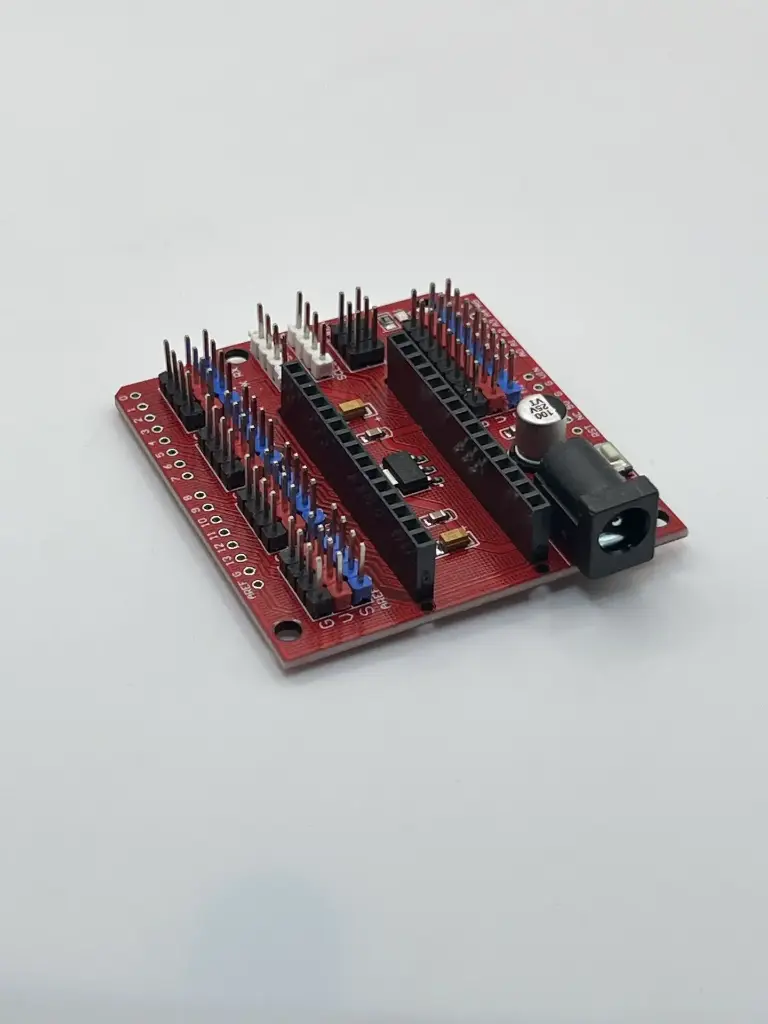
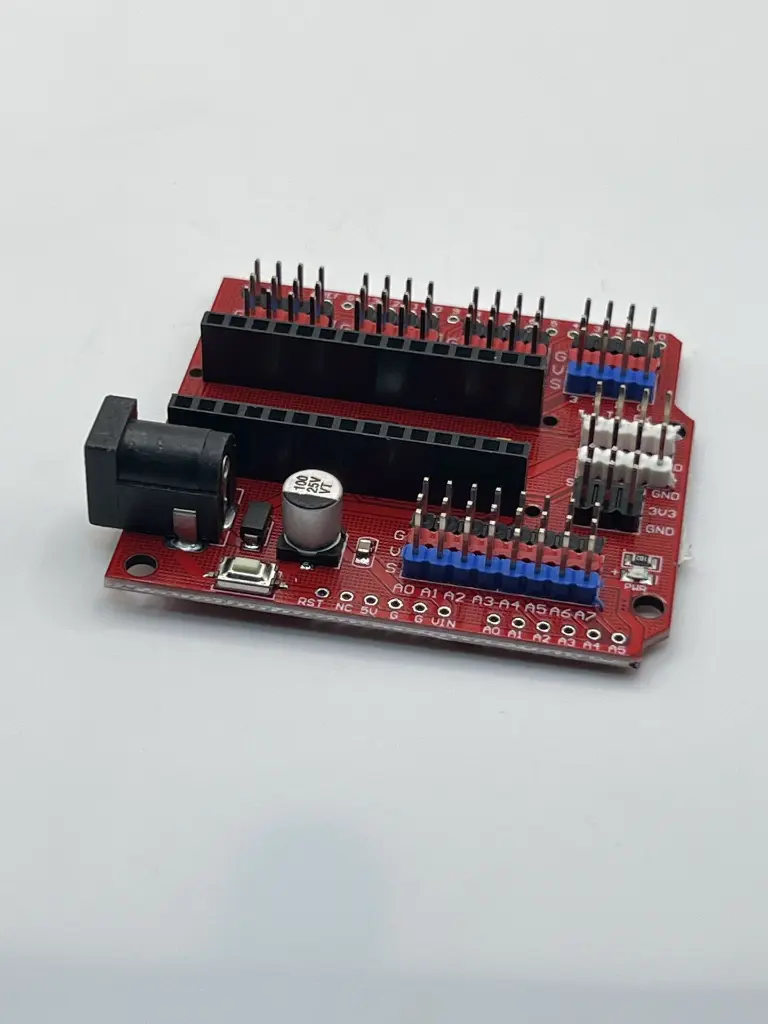
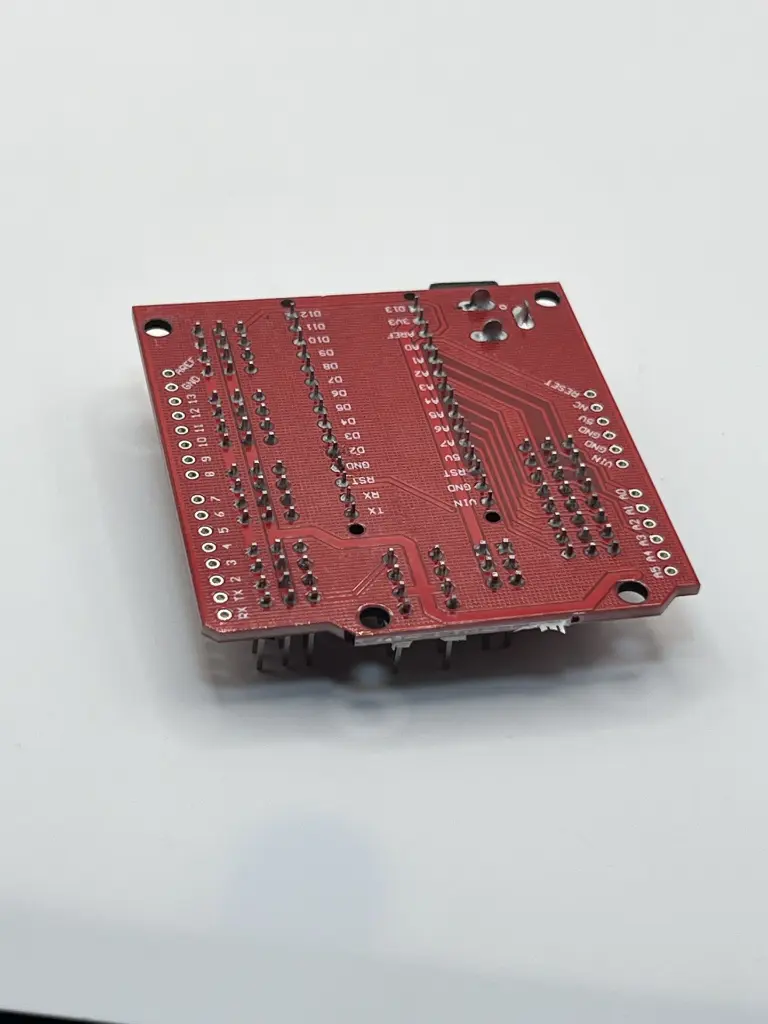
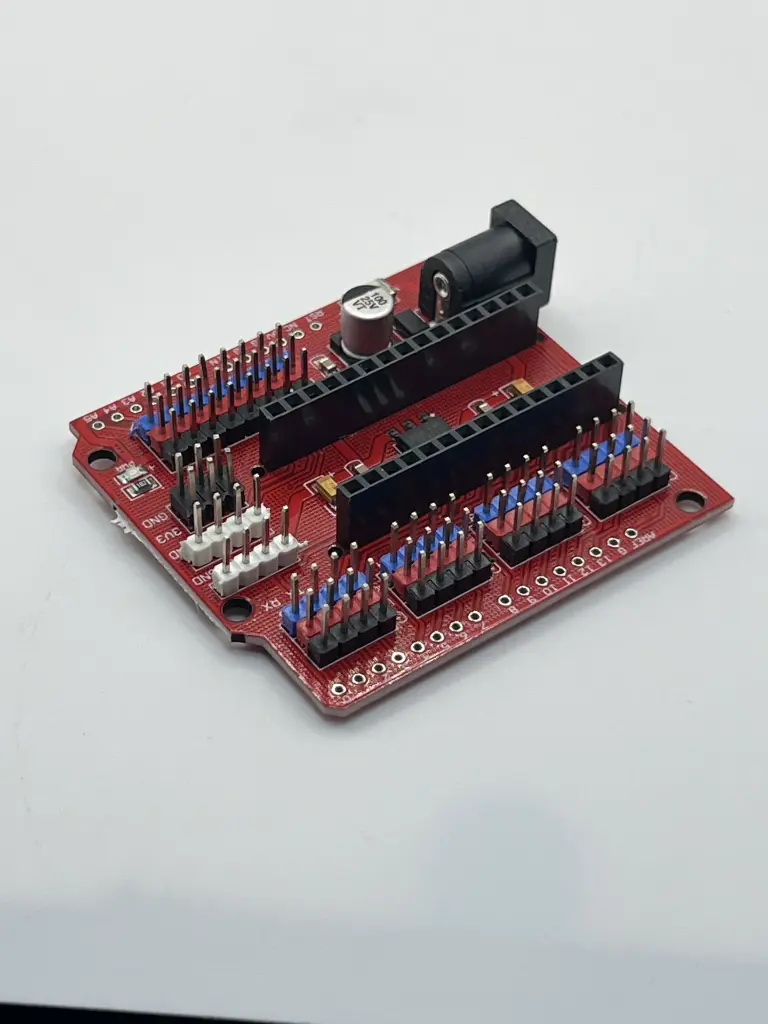
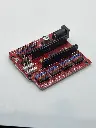
Arduino NANO expansion board
An Arduino NANO expansion board is an accessory designed to extend the functionality of the Arduino NANO microcontroller board. It typically provides additional features, I/O options, and connectivity enhancements that make it easier to interface with external components and modules.
Key Features:
- Provides additional I/O ports and connectors
- Includes power supply options and voltage regulation
- Often features additional circuitry for specific functions (e.g., motor drivers, communication interfaces)
- Designed to be compatible with the Arduino NANO form factor
- Compatibility: Arduino NANO (varies by expansion board)
- I/O Ports: Additional digital and analog I/O ports, pins for connecting external devices
- Power Supply: May include a voltage regulator to provide stable power to the Arduino NANO and connected components
- Connectivity: Headers or connectors for communication with other devices (e.g., UART, SPI, I2C)
- Additional Features: Depending on the board, may include features such as motor drivers, display connectors, or sensor interfaces
- Package Type: Expansion board with pin headers or connectors
- Expanding the functionality of Arduino NANO projects
- Providing additional I/O options for complex projects
- Facilitating connections to external devices and sensors
- Adding power management and additional features to Arduino-based systems
- Mount the Arduino NANO: Insert the Arduino NANO into the expansion board's designated connector or header.
- Connect External Components: Use the additional I/O ports and connectors to interface with sensors, actuators, and other external components.
- Power the Board: Ensure that the expansion board is properly powered, either through the Arduino NANO or an external power source if supported.
- Program the Arduino NANO: Write and upload the necessary code to the Arduino NANO to control and utilize the additional features provided by the expansion board.
- Verify compatibility with the specific Arduino NANO model to ensure proper fit and function.
- Follow the manufacturer's guidelines for power requirements and connections to avoid damage.
- Handle the expansion board carefully to prevent damage to the pins and connectors.
No Specifications