
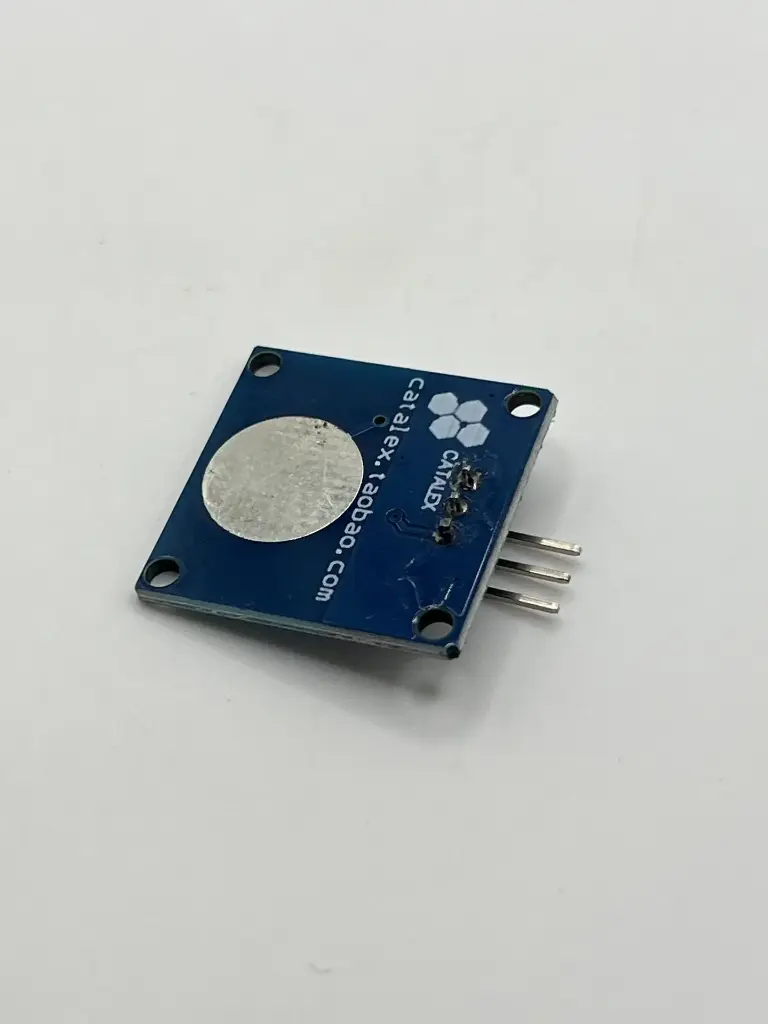
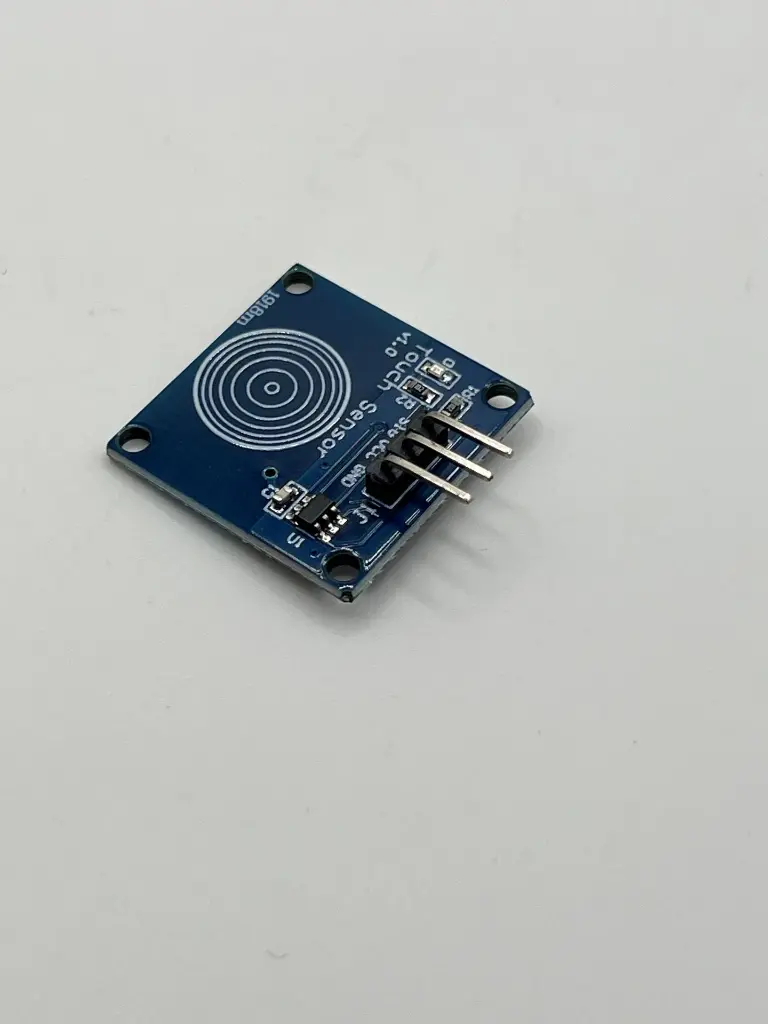
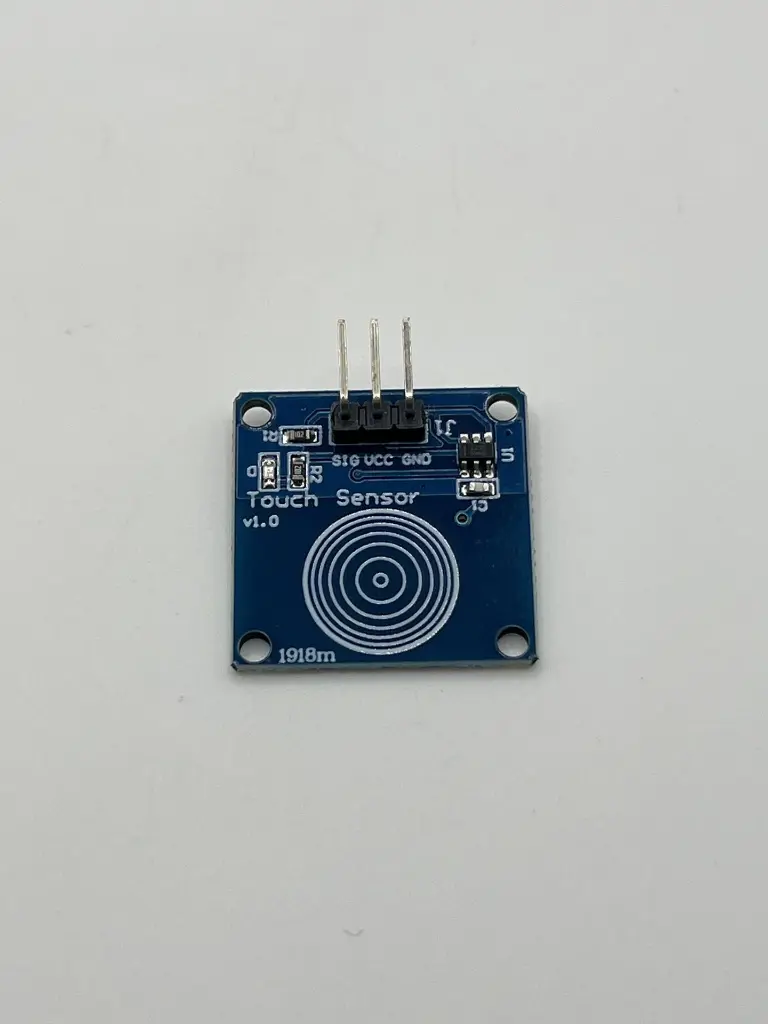
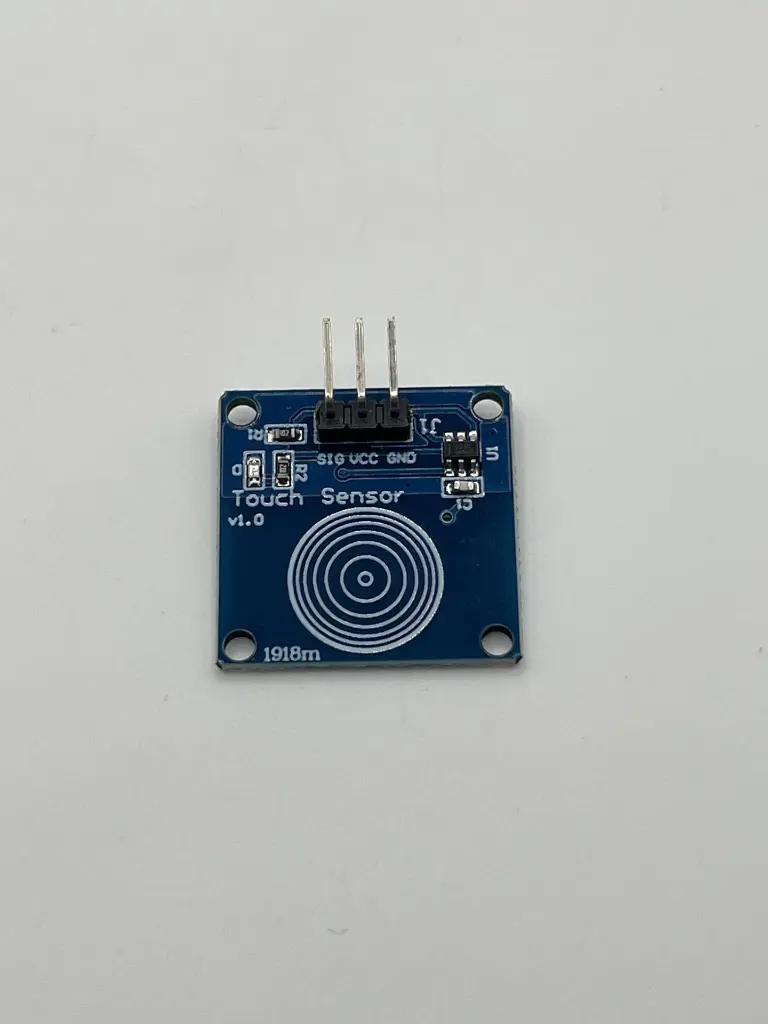
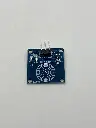
Touch sensor module
A touch sensor module is an electronic component used to detect touch or proximity of objects. It can be used to implement touch-sensitive controls in various applications, such as user interfaces, touchscreens, and other interactive systems. The module typically consists of a touch-sensitive element and supporting circuitry to process the touch signals.
Key Features:
Key Features:
- Detects touch or proximity with high sensitivity
- Provides digital or analog output depending on the module
- Easy integration with microcontrollers and other digital systems
- Often includes built-in debouncing and signal conditioning
- Detection Type: Capacitive or resistive (depending on the module)
- Output Type:
- Digital (High/Low)
- Analog (varies with touch intensity)
- Operating Voltage: Typically 3.3V to 5V
- Current Consumption: Low power consumption, varies by module
- Response Time: Fast response to touch events (typically milliseconds)
- Package Type: Usually a module with pins or connectors for easy integration
- Interface: Digital pin for touch detection or analog output
- Touch-sensitive user interfaces in electronic devices
- Touchscreens for interactive displays
- Capacitive touch panels in consumer electronics
- Proximity detection in automated systems
- Connect Power: Connect the module's power pins to the appropriate voltage supply (3.3V or 5V).
- Connect Output: Connect the output pin to a digital input on a microcontroller or an analog-to-digital converter (ADC) if the module provides an analog output.
- Calibration (if needed): Some modules may require calibration for accurate touch detection.
- Integration: Use the output signal in your application to trigger actions or feedback based on touch events.
- Ensure correct power supply and connections to avoid damage to the module.
- Handle the module with care to avoid static discharge, which can affect its performance.
- Follow the manufacturer's guidelines for proper use and calibration.
No Specifications