
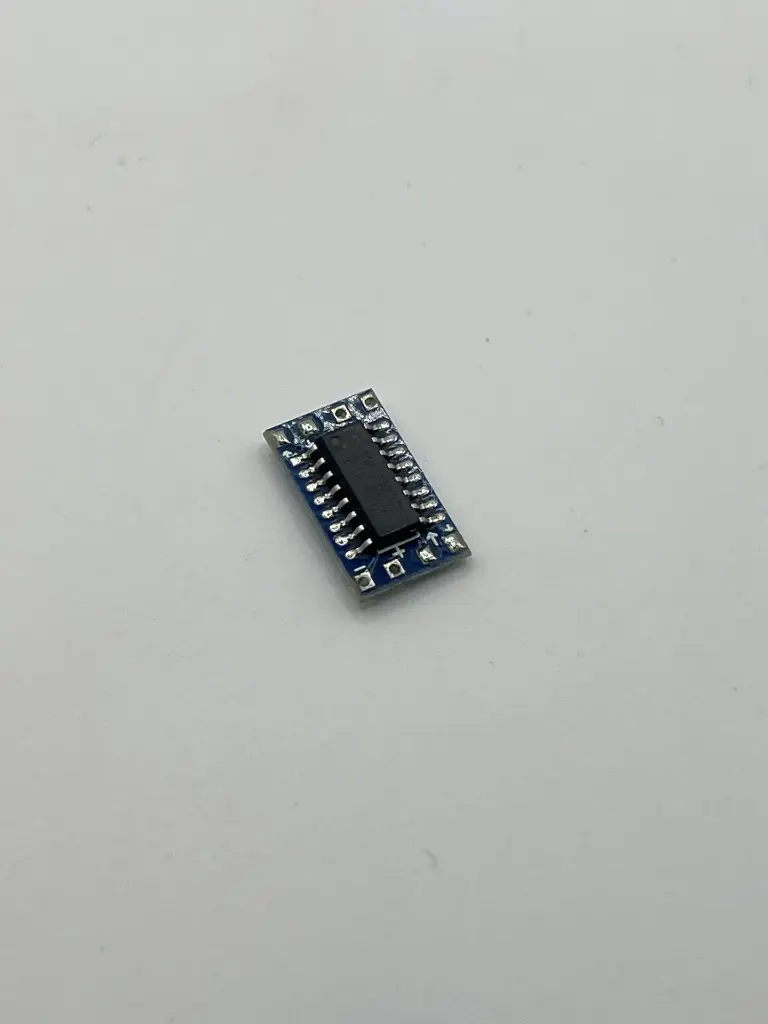
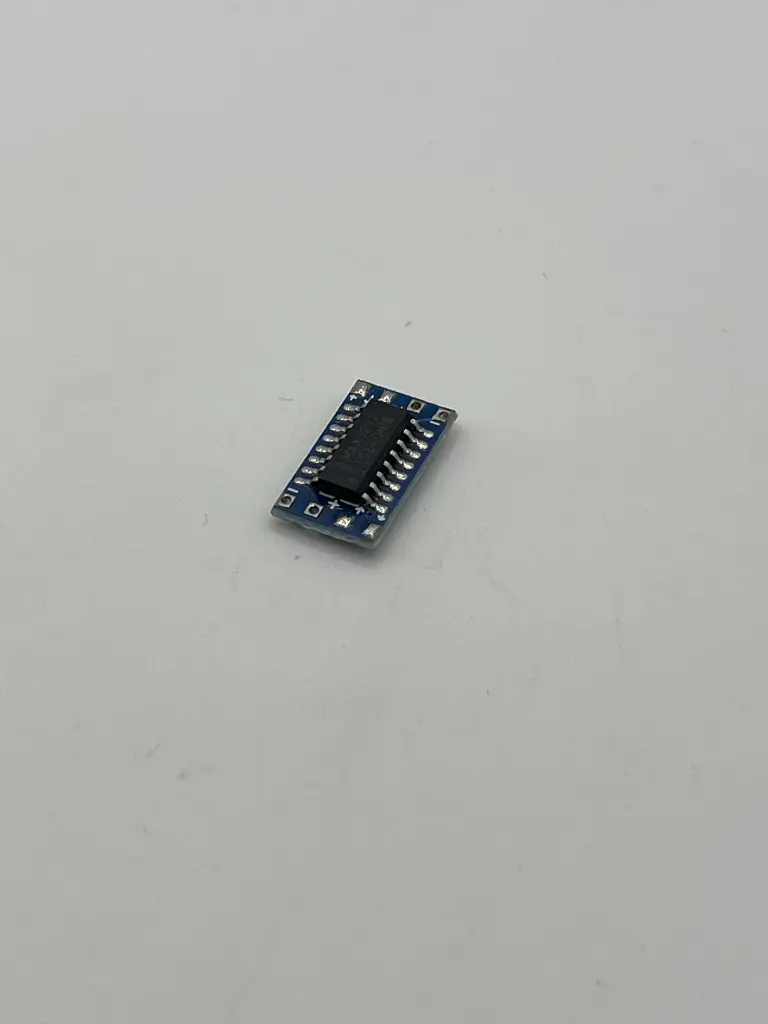
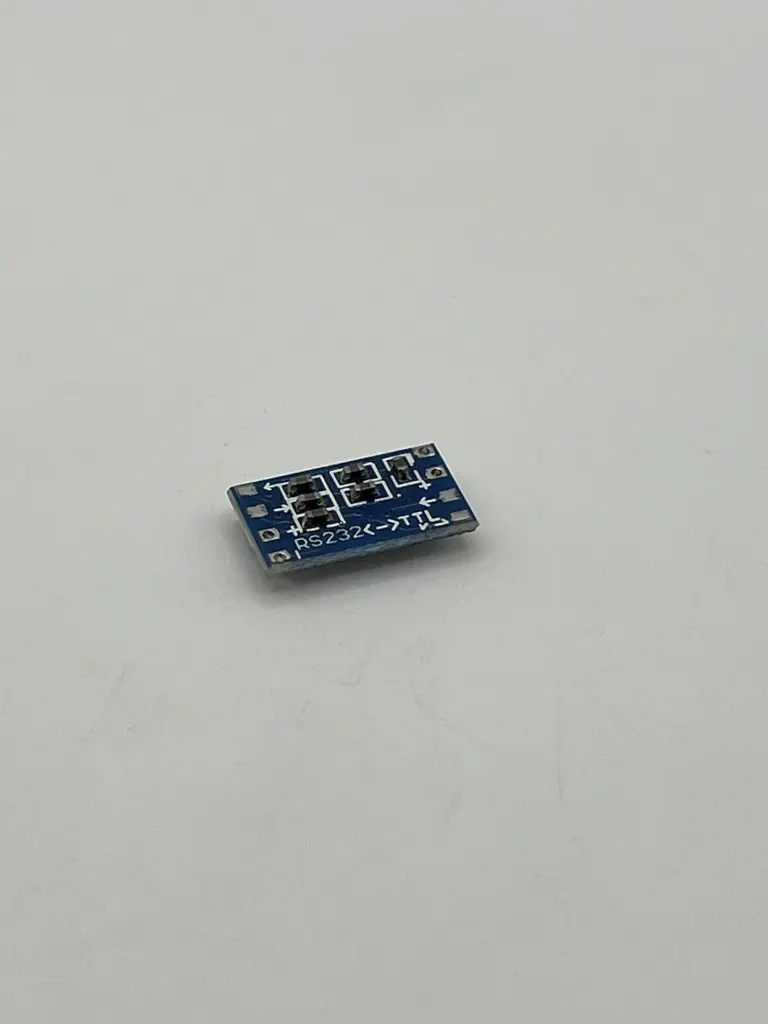
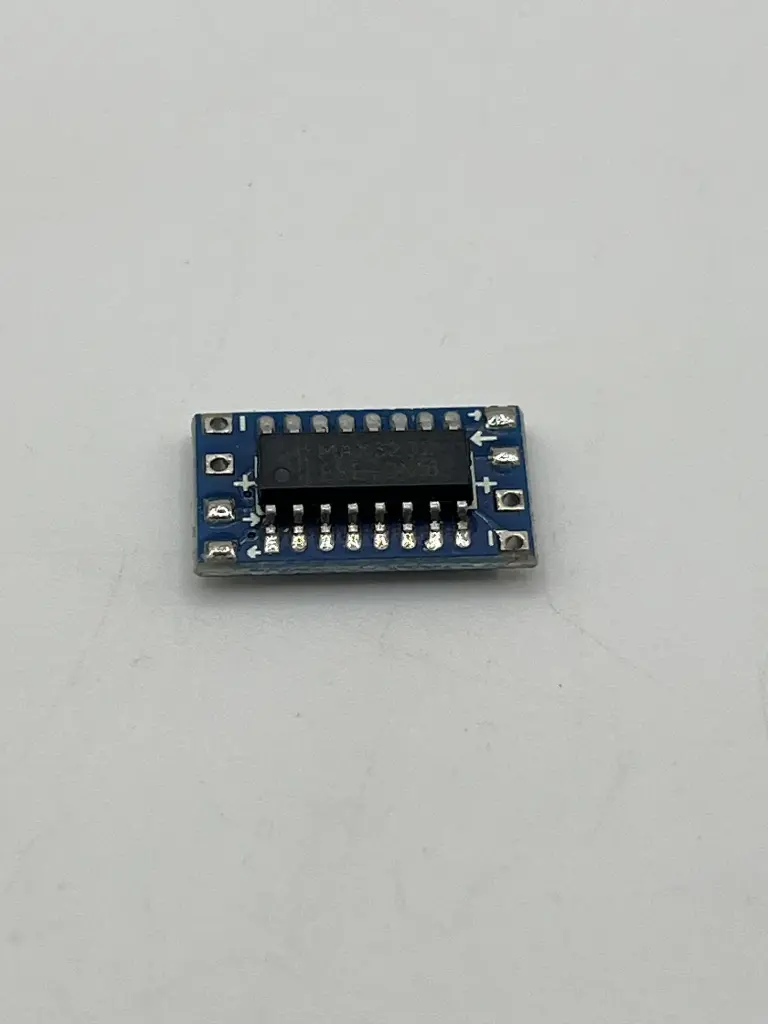
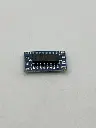
MAX3232 MCU mini RS232 to TTL
The MAX3232 MCU Mini RS232 to TTL Converter is a compact interface module designed to facilitate communication between RS232 serial devices and TTL logic level systems. It is based on the MAX3232 IC, which provides reliable and efficient RS232-to-TTL level conversion. This module is useful for connecting serial communication peripherals such as GPS modules, Bluetooth modules, and other RS232 devices to microcontrollers.
Key Features:
- Converts RS232 voltage levels to TTL logic levels
- Compact and easy-to-use design
- Supports standard RS232 communication protocol
- Integrated MAX3232 IC for high-performance conversion
- Low power consumption
- High-speed communication capability
- IC Used: MAX3232
- Input Voltage Range: RS232: ±5V to ±15V; TTL: 3.3V or 5V
- Power Supply: 3.3V or 5V DC (depending on TTL logic level)
- Data Rate: Up to 250 kbps
- Connectors:
- RS232 Side: DB9 connector or terminal block (depends on module version)
- TTL Side: 4-pin header (TX, RX, VCC, GND)
- Communication Interface: UART (TTL logic levels)
- Temperature Range: -40°C to +85°C
- Dimensions: Typically 20 mm x 30 mm (may vary by manufacturer)
- Serial communication between RS232 devices and microcontrollers
- Connecting RS232 peripherals to TTL-based systems
- Serial port expansion for embedded systems
- Interfacing with legacy serial equipment
- Data logging and communication
- Power Supply: Connect the module to a 3.3V or 5V power source, depending on the TTL logic level.
- RS232 Connection: Connect the RS232 device to the RS232 side of the module (DB9 connector or terminal block).
- TTL Connection: Connect the TTL side (TX, RX, VCC, GND) to the microcontroller or TTL-compatible device.
- Communication Setup: Ensure proper TX and RX pin connections between the module and the devices. Verify voltage levels and communication settings.
- Testing: Test the communication by sending and receiving data between the RS232 device and the TTL device.
- Ensure the module is powered with the correct voltage level to avoid damage.
- Verify that the RX and TX connections are properly matched between the devices (crossed connections).
- Follow the manufacturer's guidelines for interfacing and operation to ensure reliable communication.
No Specifications