
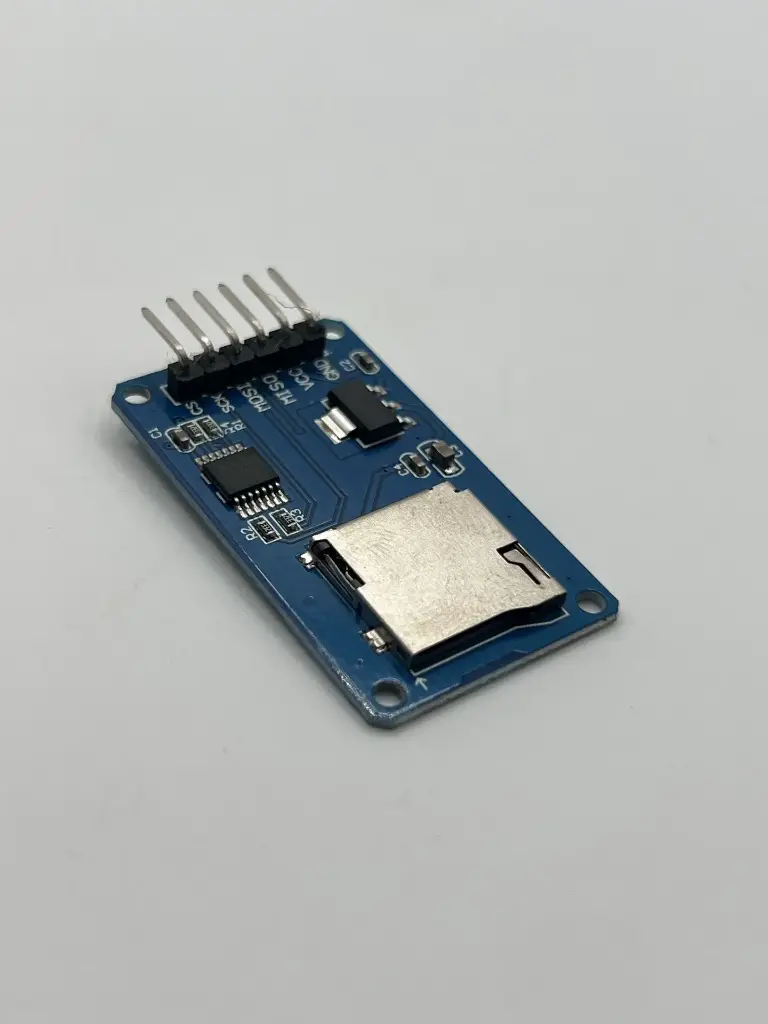
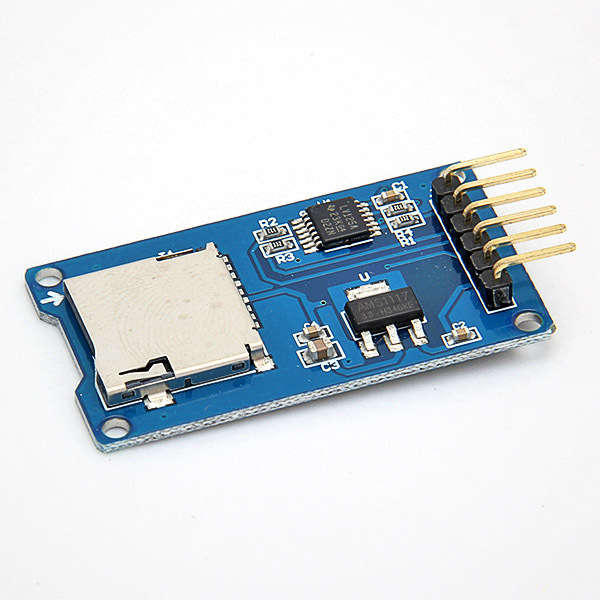
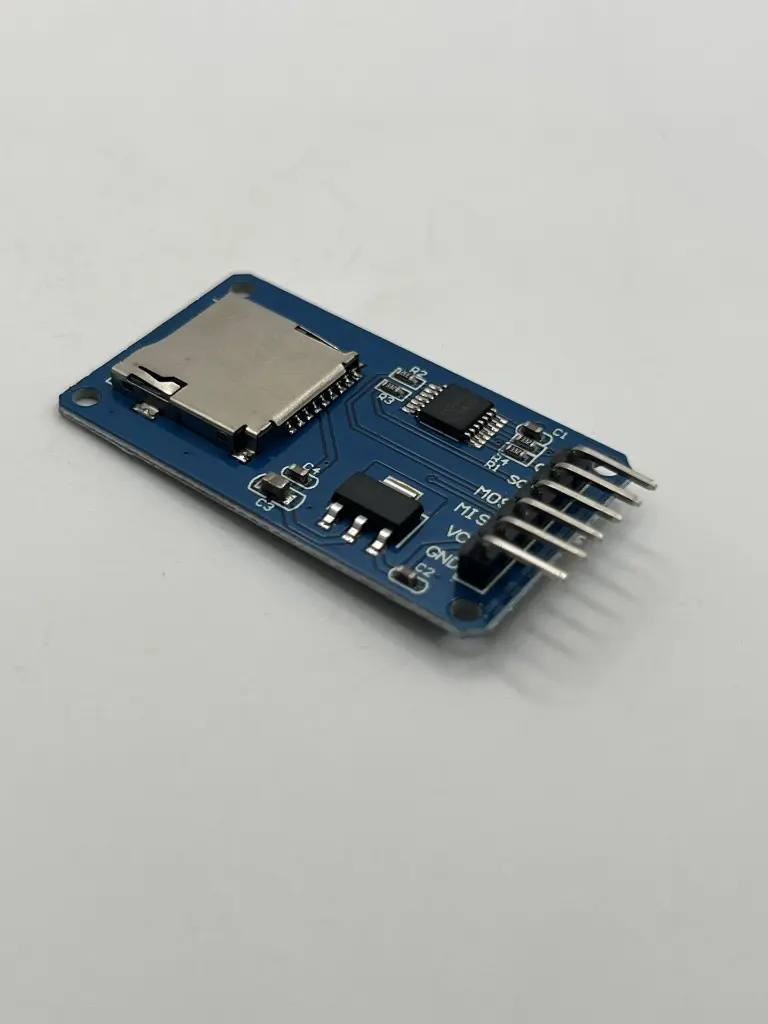
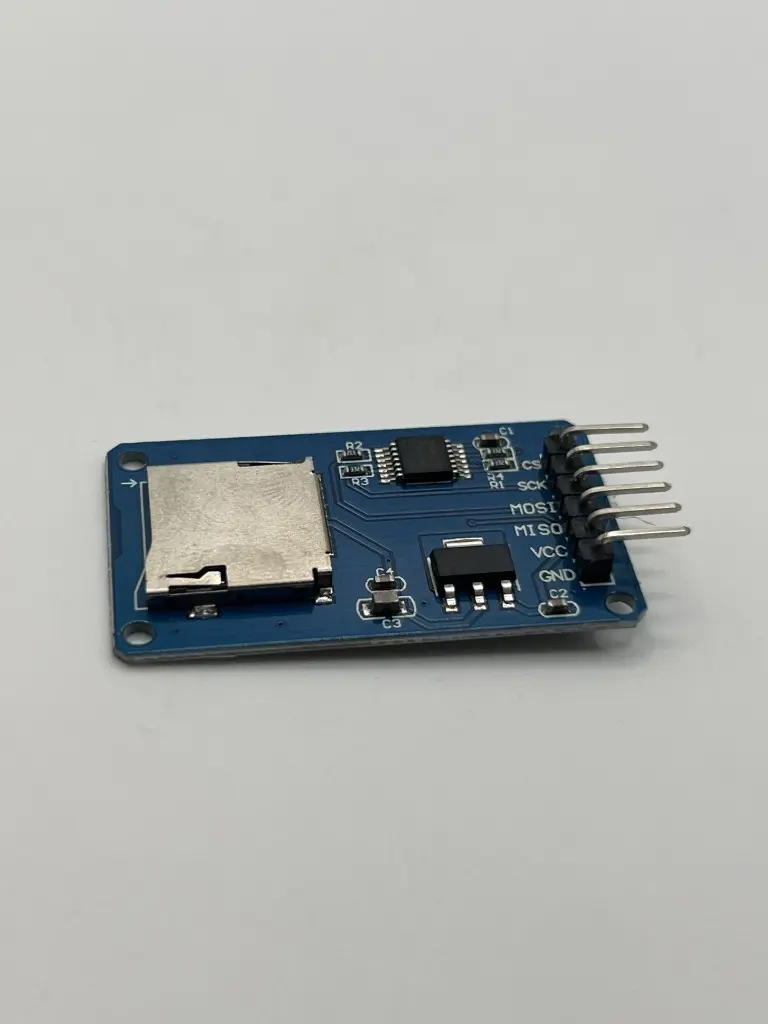
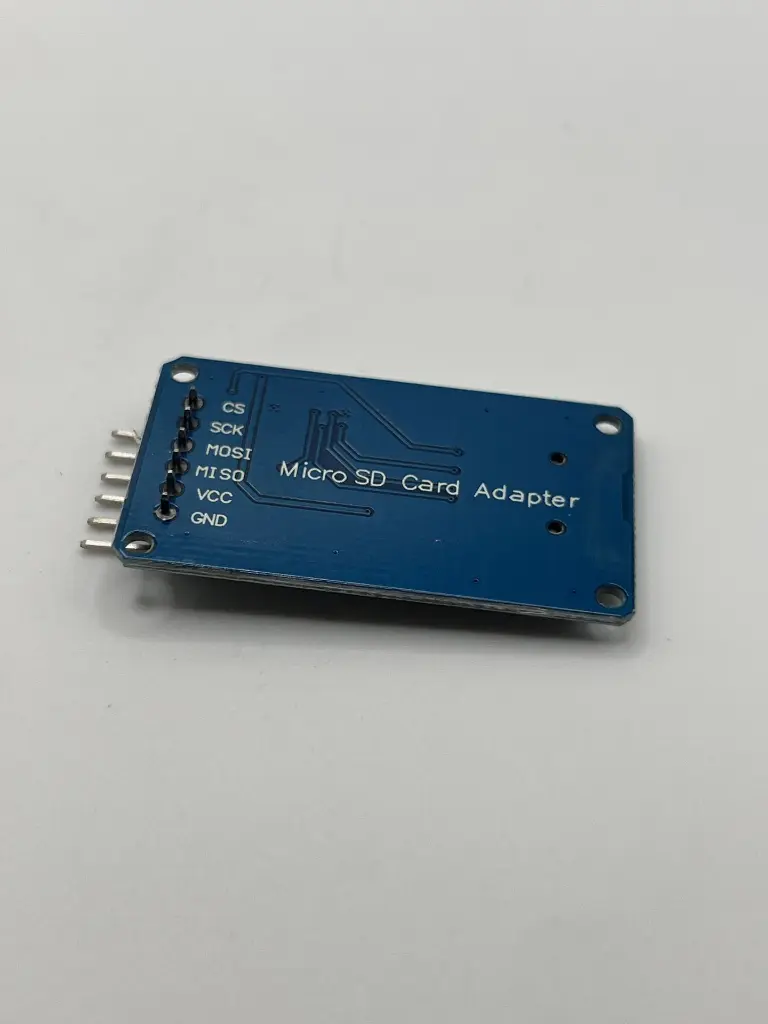
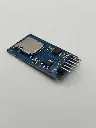
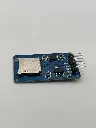
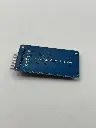
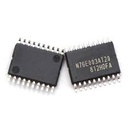
micro SD reader
A micro SD reader is a compact device designed to read and write data to micro SD cards. It provides an interface between micro SD cards and other devices such as computers, microcontrollers, or embedded systems. The micro SD reader is essential for data transfer, storage, and retrieval tasks in various electronic projects and applications.
Key Features:
- Compatible with micro SD and micro SDHC cards
- Simple plug-and-play operation
- Supports high-speed data transfer rates
- Typically includes a USB interface for easy connection to computers
- Compact and portable design
- Card Types Supported: Micro SD, Micro SDHC
- Interface: USB 2.0 (commonly)
- Operating Voltage: 5V (via USB connection)
- Data Transfer Speed: Up to 480 Mbps (USB 2.0 speed)
- Dimensions: Varies (typically around 30 mm x 15 mm x 5 mm)
- Weight: Approximately 10-15 g
- Data Transfer: Transfer files between micro SD cards and computers
- Embedded Systems: Interface micro SD cards with microcontrollers for data logging and storage
- Digital Cameras: Use with cameras that support micro SD cards for image and video storage
- Data Retrieval: Retrieve data from micro SD cards for analysis or processing
- Insert the micro SD card into the micro SD slot on the reader.
- Connect the reader to a computer or compatible device via the USB interface.
- Access the micro SD card through the operating system's file manager or specialized software.
- Perform data operations such as reading, writing, or formatting the card as needed.
- Ensure the micro SD card is correctly oriented before inserting it into the reader to avoid damage.
- Eject the micro SD card safely from the computer or device before removing it to prevent data corruption.
- Avoid exposing the micro SD reader to moisture or extreme temperatures.
No Specifications