
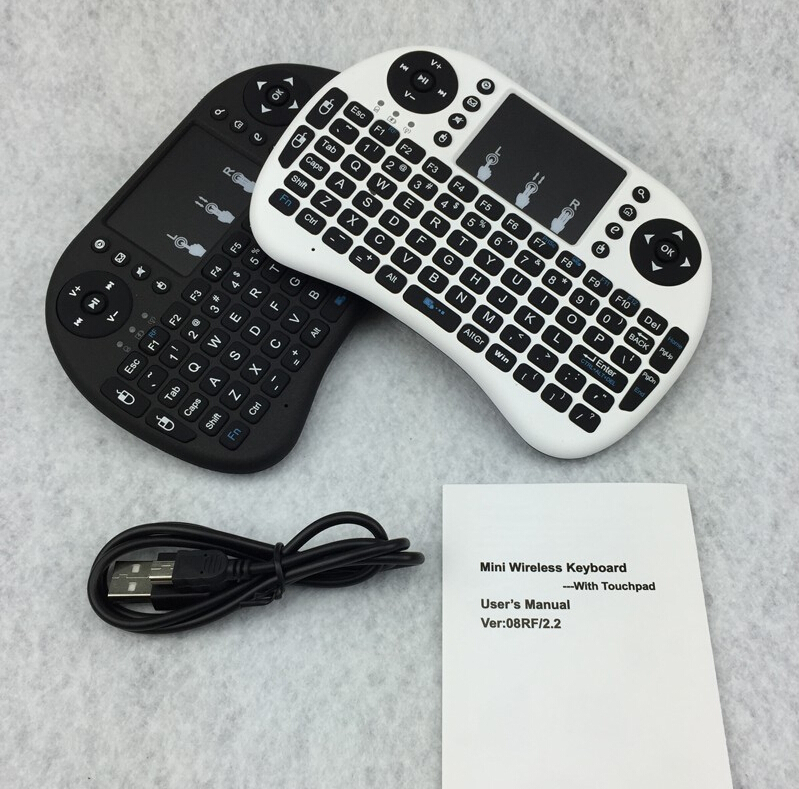
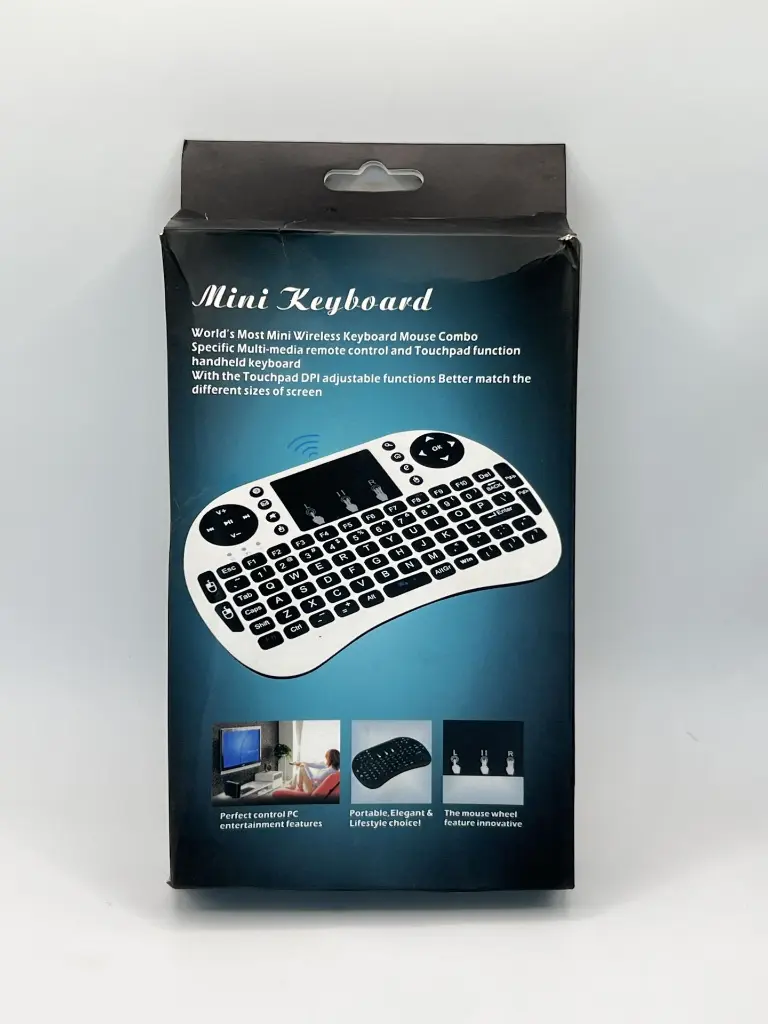
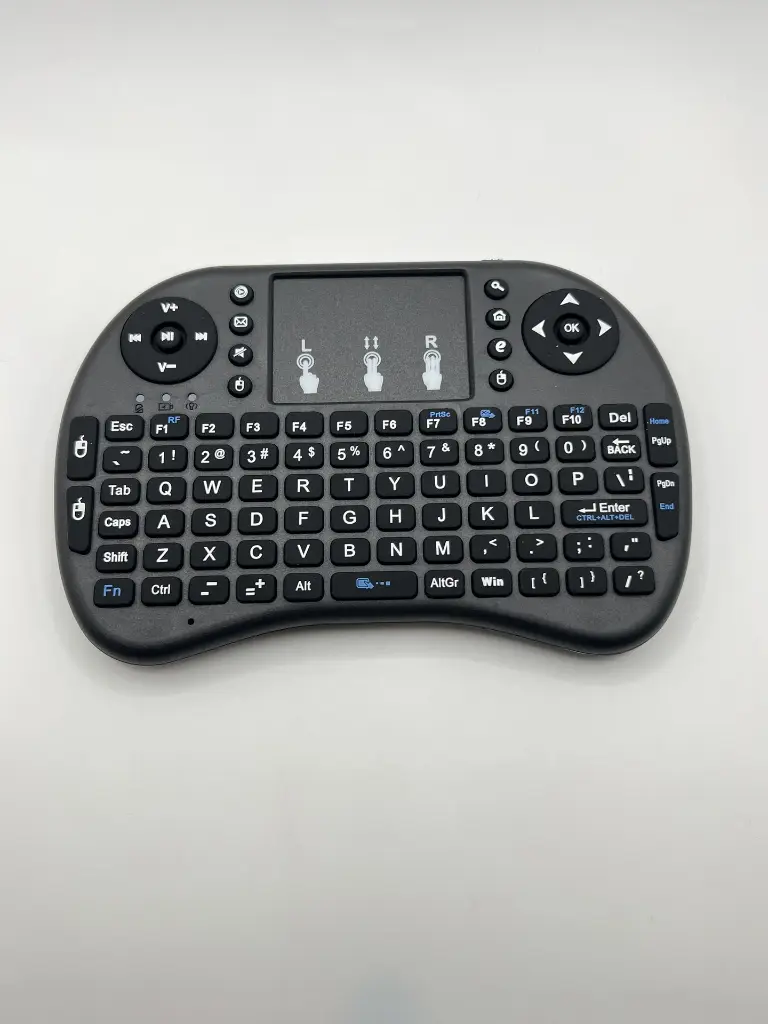
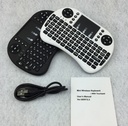

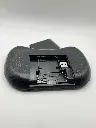
Raspberry pi wireless mini keyboard
The Raspberry Pi Wireless Mini Keyboard is a compact and portable input device designed to enhance the usability of your Raspberry Pi. It combines a keyboard and touchpad in one unit, offering a convenient and wireless solution for controlling your Raspberry Pi projects. Ideal for home entertainment systems, portable setups, and on-the-go computing, this mini keyboard ensures seamless navigation and control without the clutter of wires.
Key Features:
- Wireless connectivity via 2.4GHz RF
- Integrated touchpad for mouse functionality
- Compact and lightweight design
- Rechargeable battery for long-lasting use
- Plug-and-play compatibility with Raspberry Pi
- Backlit keys for easy use in low-light conditions
- Ergonomic design for comfortable typing
- Multi-device compatibility (PC, Smart TV, Android devices)
- Wireless Frequency: 2.4GHz
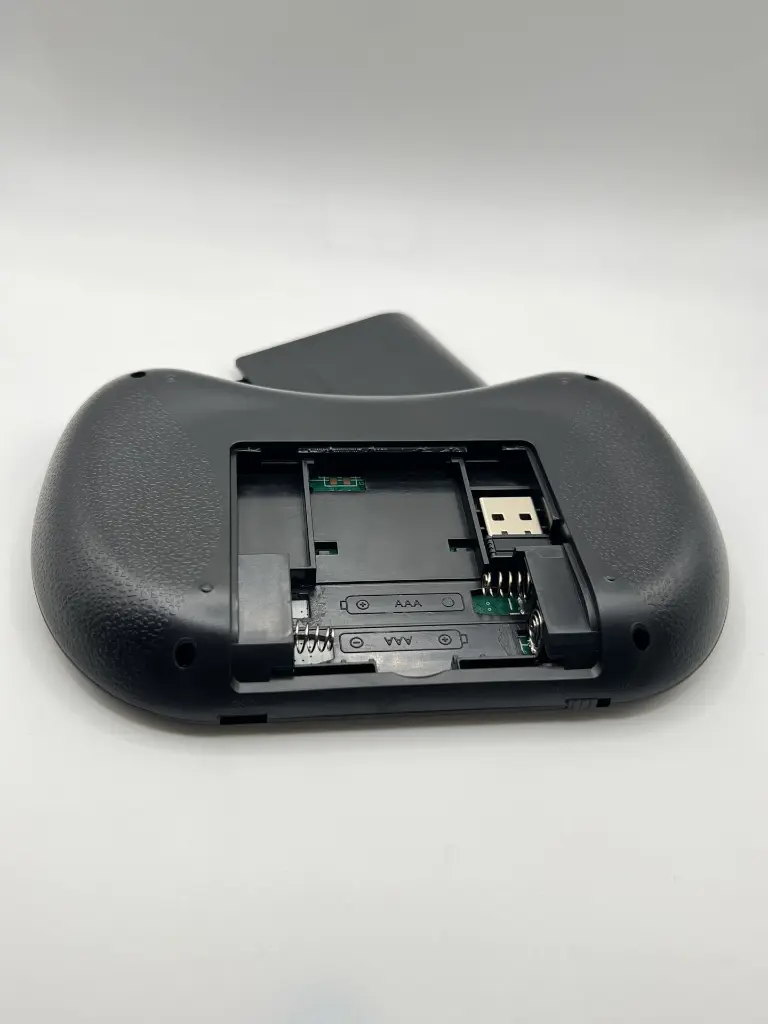
- Battery Type: Rechargeable lithium-ion
- Battery Life: Up to several weeks on a single charge
- Charging Interface: Micro USB
- Dimensions: 146.8mm x 97.5mm x 19mm
- Weight: 110g
- Key Layout: QWERTY
- Range: Up to 10 meters
- Compatibility: Raspberry Pi, Windows, macOS, Linux, Android
- Home entertainment control
- Portable Raspberry Pi projects
- Media center navigation
- Classroom and educational use
- On-the-go computing
- Gaming control
- Insert the wireless receiver into a USB port on your Raspberry Pi.
- Turn on the mini keyboard using the power switch.
- Wait for the keyboard to pair automatically with the receiver.
- Use the touchpad for mouse control and the keys for typing.
- Charge the keyboard using the provided micro USB cable when the battery is low.
- Keep the keyboard away from moisture and extreme temperatures.
- Avoid dropping or applying excessive force to the keyboard.
- Use only the provided charging cable to prevent damage.
- Do not disassemble the keyboard.
No Specifications