
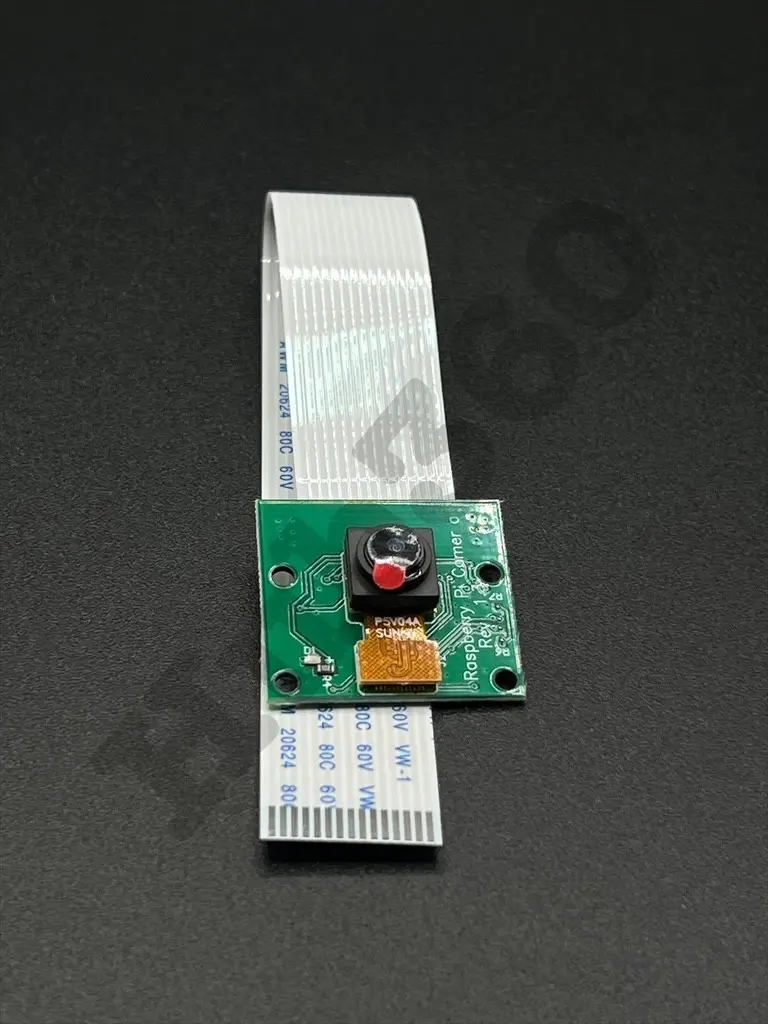
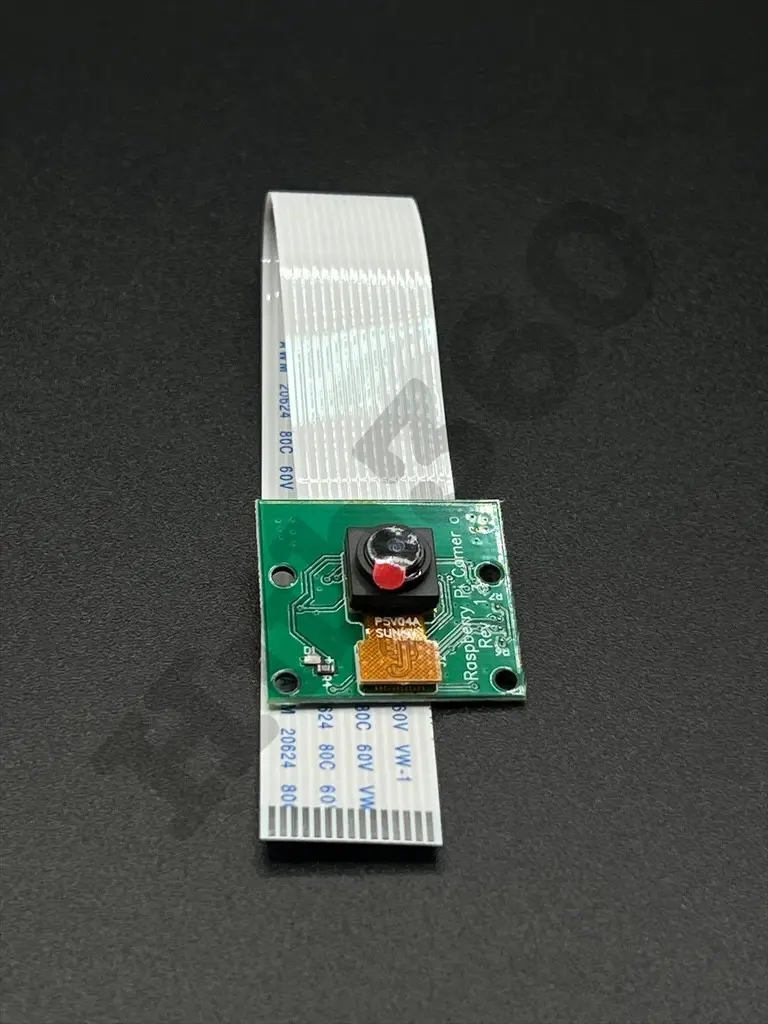
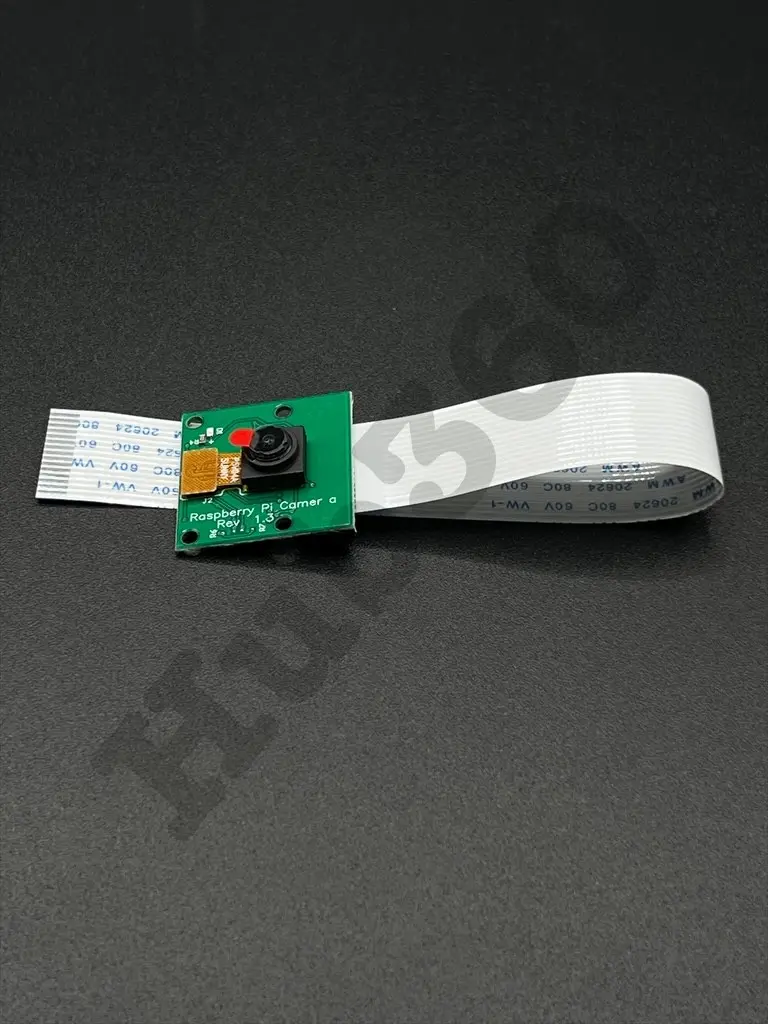
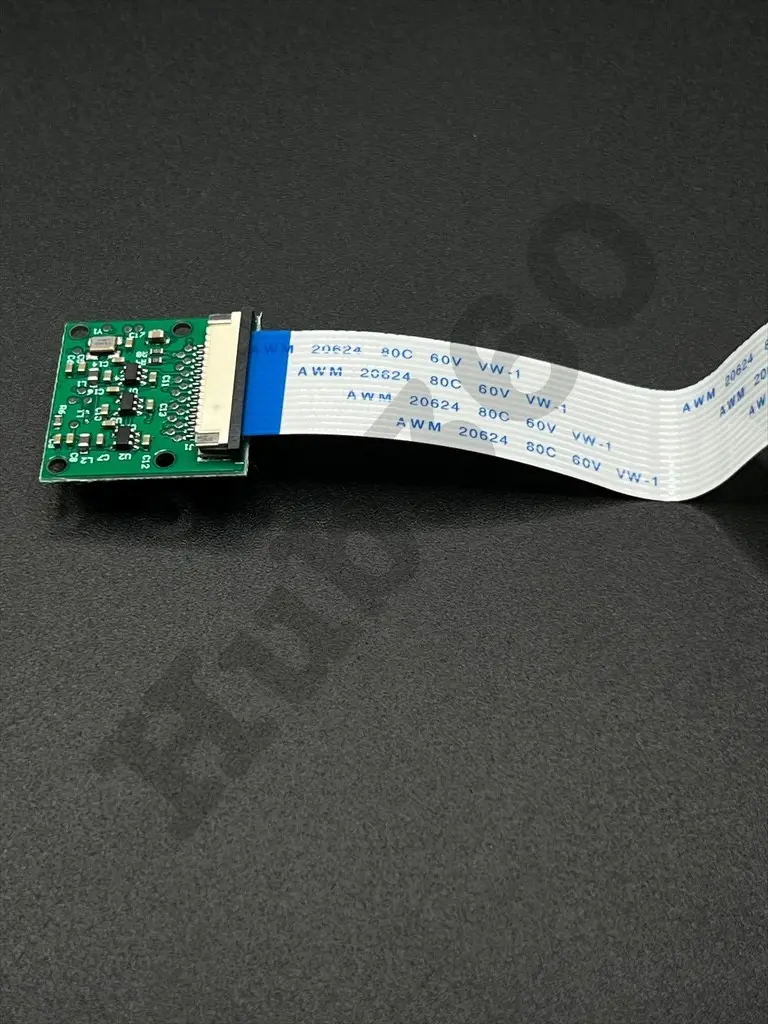
Raspberry pi CSI camera
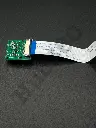
The Raspberry Pi CSI Camera is a high-quality imaging module designed specifically for the Raspberry Pi. It connects directly to the Camera Serial Interface (CSI) port on the Raspberry Pi and is capable of capturing high-definition images and videos. This camera module is ideal for a wide range of applications including surveillance, machine vision, robotics, and general photography projects.
Key Features:
- High-resolution imaging capability
- Direct connection to Raspberry Pi via CSI port
- Compact and lightweight design
- Supports still images and video recording
- Compatible with various Raspberry Pi models
- Adjustable focus lens
- Easy to integrate with Raspberry Pi software and libraries
- Sensor: 5 MPÂ
- Resolution: 2592 x 1944 pixelsÂ
- Video Modes: 720p60, and 640x480p90
- Lens: Adjustable focus
- Connector: 15-pin ribbon cable for CSI interface
- Dimensions: 25mm x 24mm x 9mm
- Weight:3 grams
- Power Consumption: Low power consumption
- Surveillance and security systems
- Machine vision and automation
- Robotics and DIY projects
- Photography and videography
- Educational and research projects
- Time-lapse recording
- Connect the CSI camera module to the CSI port on the Raspberry Pi using the 15-pin ribbon cable.
- Secure the connection and ensure the camera is properly mounted.
- Enable the camera interface in the Raspberry Pi configuration settings.
- Use compatible software (e.g., raspistill, raspivid) to capture images and videos.
- Adjust the focus lens as needed for the desired clarity.
- Handle the camera module with care to avoid damage to the sensor.
- Ensure the ribbon cable is securely connected to prevent connectivity issues.
- Avoid exposing the camera module to static electricity and moisture.
No Specifications