
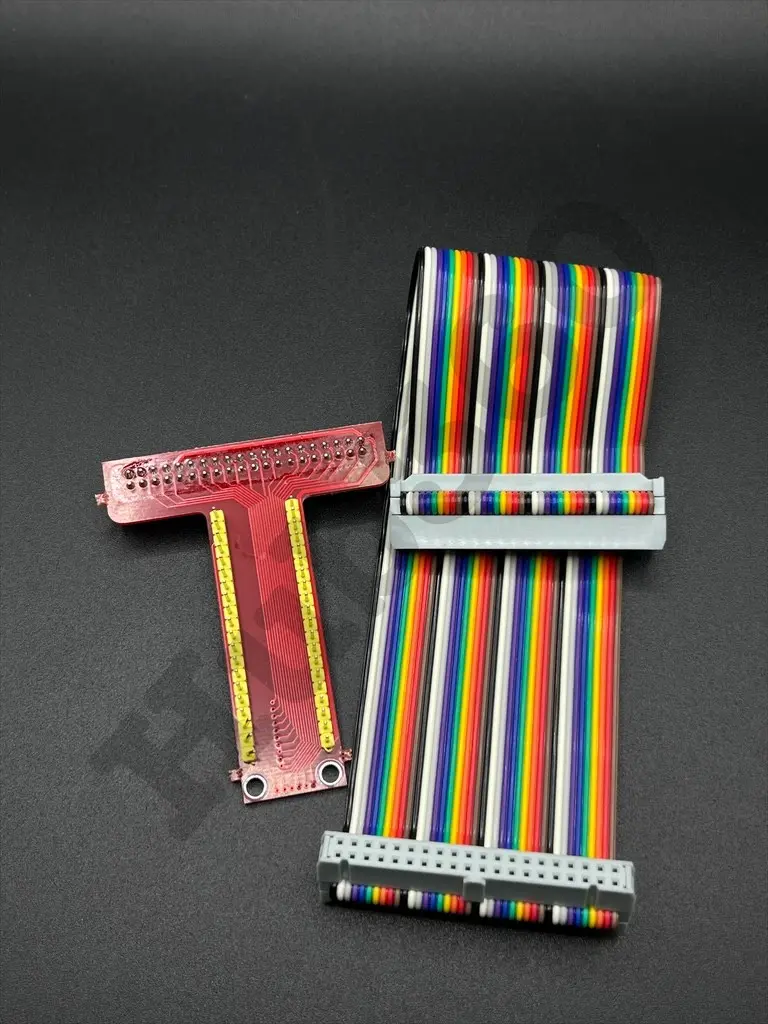
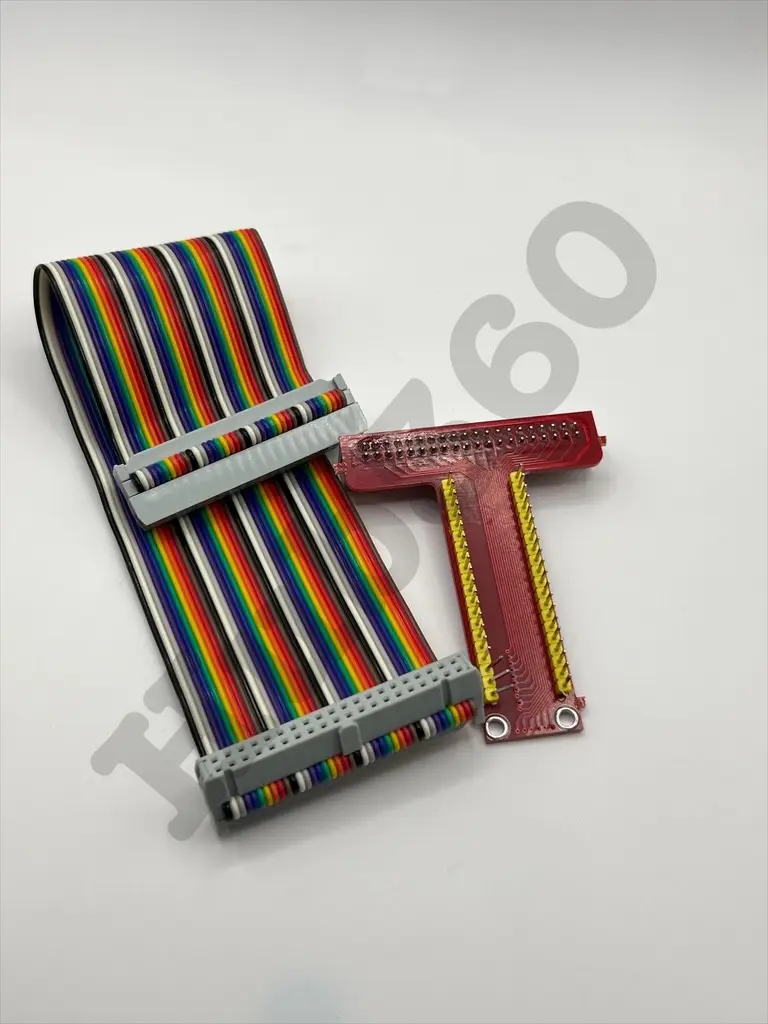
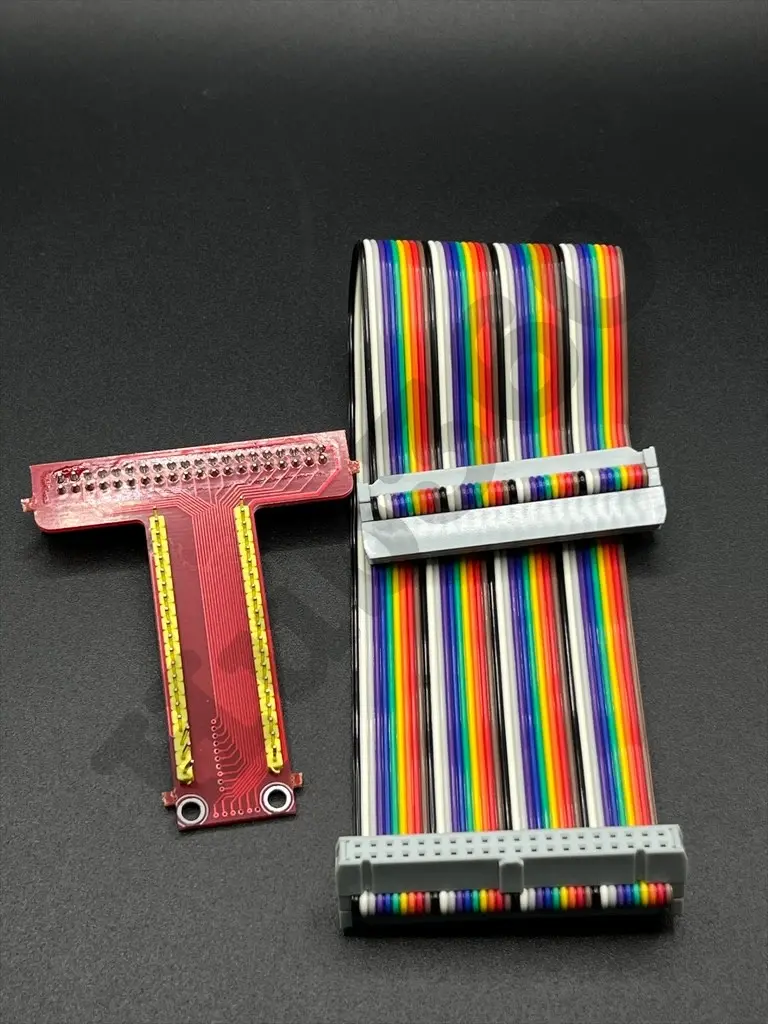
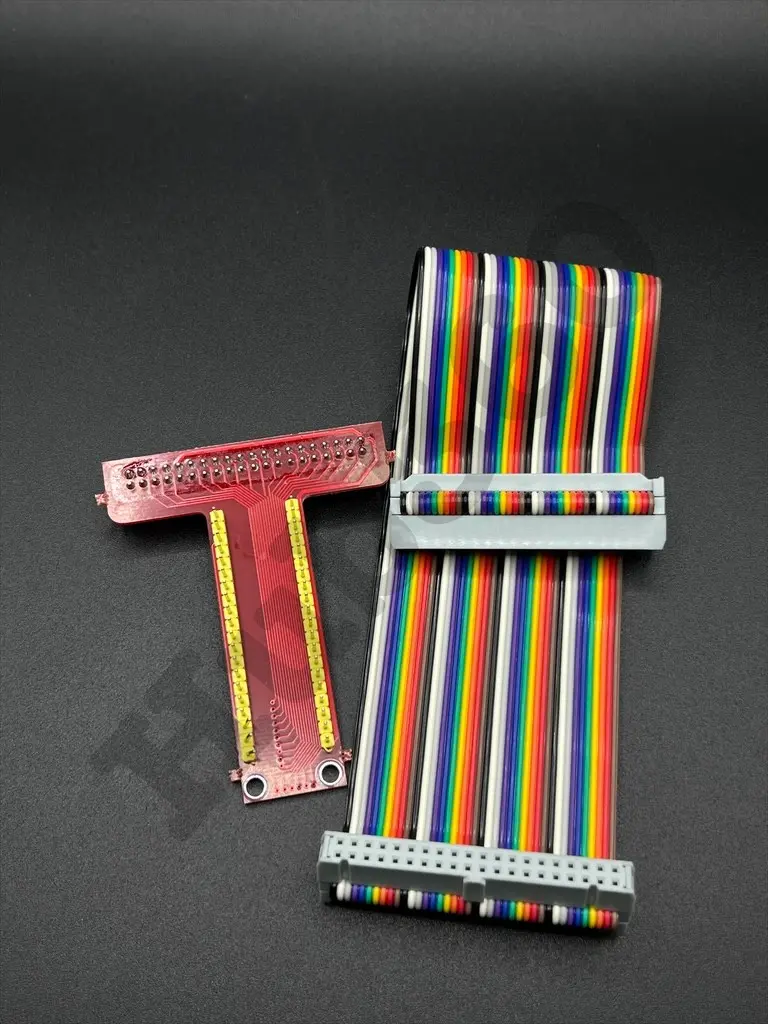

Raspberry pi GPIO expansion board
The Raspberry Pi GPIO Expansion Board is designed to extend the General Purpose Input/Output (GPIO) capabilities of the Raspberry Pi. This board provides additional headers for easy connection of various sensors, modules, and devices. It is an essential accessory for prototyping and experimenting with the Raspberry Pi, allowing users to access more GPIO pins and make connections more manageable.
Key Features:
- Expands the GPIO pins of the Raspberry Pi
- Easy-to-use design with labeled pins
- Provides additional headers for quick connections
- Compatible with Raspberry Pi models
- Supports various add-ons and modules
- Durable construction for reliable performance
- Compatibility: Raspberry Pi models (e.g., Raspberry Pi 3, 4, Zero)
- Number of GPIO Pins: 40-pin expansion
- Headers: Male and female headers for easy connections
- Dimensions: Standard size to fit Raspberry Pi form factor
- Material: High-quality PCB with gold-plated connectors
- Prototyping and experimentation with Raspberry Pi
- Connecting multiple sensors and modules
- Educational projects and learning electronics
- Home automation and IoT projects
- Robotics and embedded systems development
- Connect the expansion board to the GPIO header of the Raspberry Pi.
- Secure the board in place to ensure a stable connection.
- Use the additional headers to connect various sensors, modules, and devices.
- Access the extended GPIO pins through the labeled headers for easy reference.
- Program the Raspberry Pi to interface with the connected components.
- Ensure proper alignment of the expansion board with the Raspberry Pi GPIO header.
- Avoid connecting incompatible devices that may damage the GPIO pins.
- Handle the board with care to prevent static discharge and damage.
No Specifications