
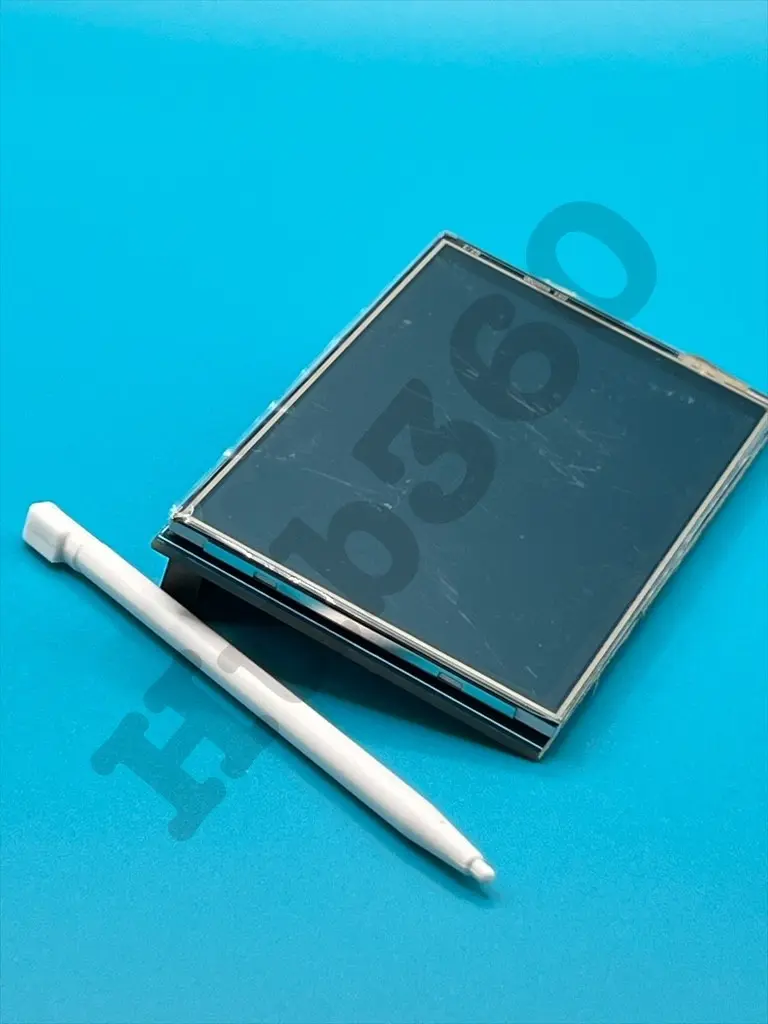
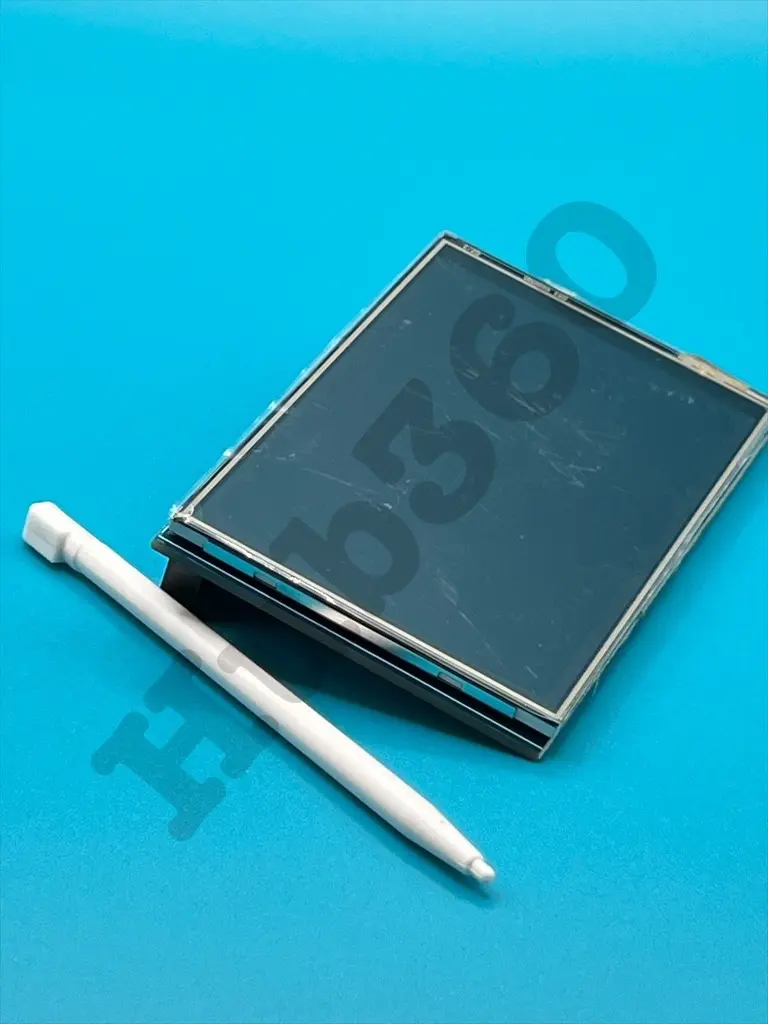
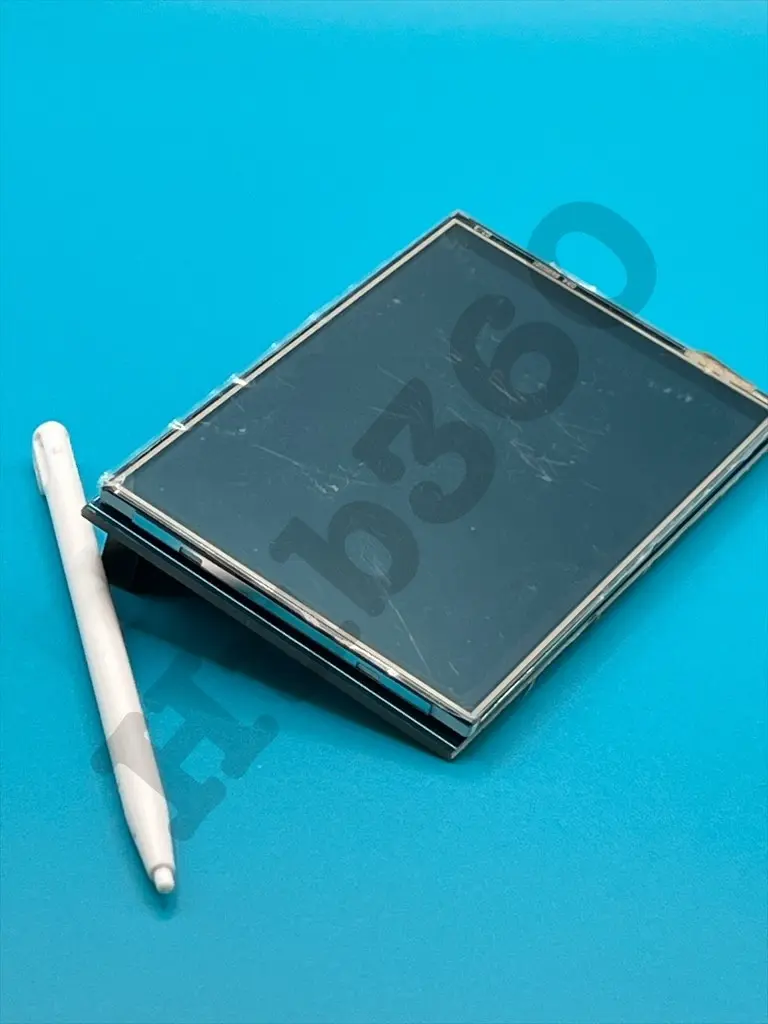
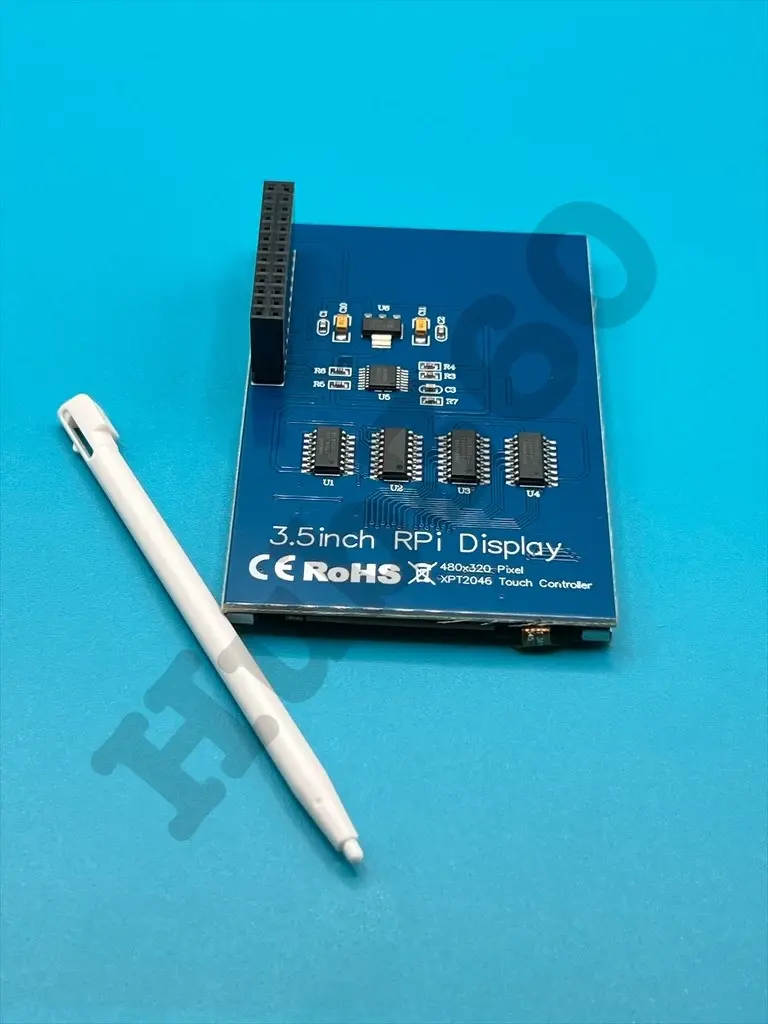
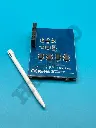
Raspberry pi 3.5 Inches Resistive touch screen
The Raspberry Pi 3.5 Inches Resistive Touch Screen is a compact display module designed specifically for use with Raspberry Pi boards. This touch screen offers a user-friendly interface for various applications, allowing you to interact directly with your Raspberry Pi projects. It features a resistive touch panel, making it suitable for applications that require precise touch input.
Key Features:
- Screen Size: 3.5 inches
- Display Type: TFT LCD
- Resolution: 320 x 480 pixels
- Touch Type: Resistive touch panel
- Interface: SPI (Serial Peripheral Interface)
- Compatibility: Compatible with Raspberry Pi models such as Raspberry Pi 4, 3, 2, and Zero
- Screen Size: 3.5 inches
- Display Resolution: 320 x 480 pixels
- Touch Panel: Resistive
- Interface: SPI
- Operating Voltage: 3.3V/5V (powered through Raspberry Pi GPIO)
- Dimensions: Approximately 85mm x 55mm x 30mm
- Viewing Angle: Wide viewing angle
- Backlight: LED backlight for enhanced visibility
- Portable Raspberry Pi projects
- DIY handheld devices
- Control interfaces for home automation
- Interactive displays for education and prototyping
- Gaming consoles and entertainment systems
- Connect the 3.5-inch touch screen to the GPIO pins of your Raspberry Pi board.
- Install the necessary drivers and configure the Raspberry Pi for the touch screen.
- Calibrate the touch panel if required to ensure accurate touch input.
- Use the touch screen to interact with your Raspberry Pi applications, projects, or operating system.
- Handle the touch screen carefully to avoid damaging the display or touch panel.
- Ensure the GPIO pins are correctly connected to avoid short circuits or incorrect operation.
- Follow the manufacturer's guidelines for driver installation and configuration.
No Specifications