
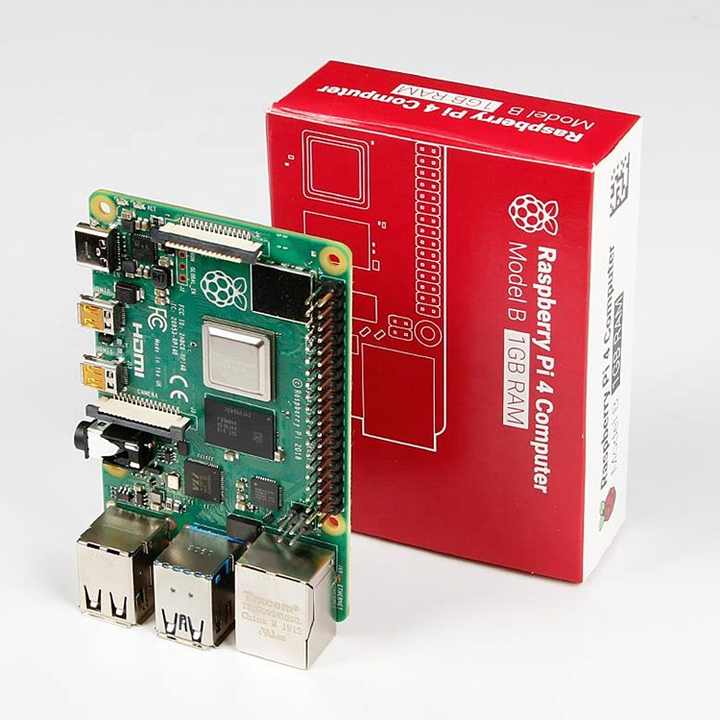
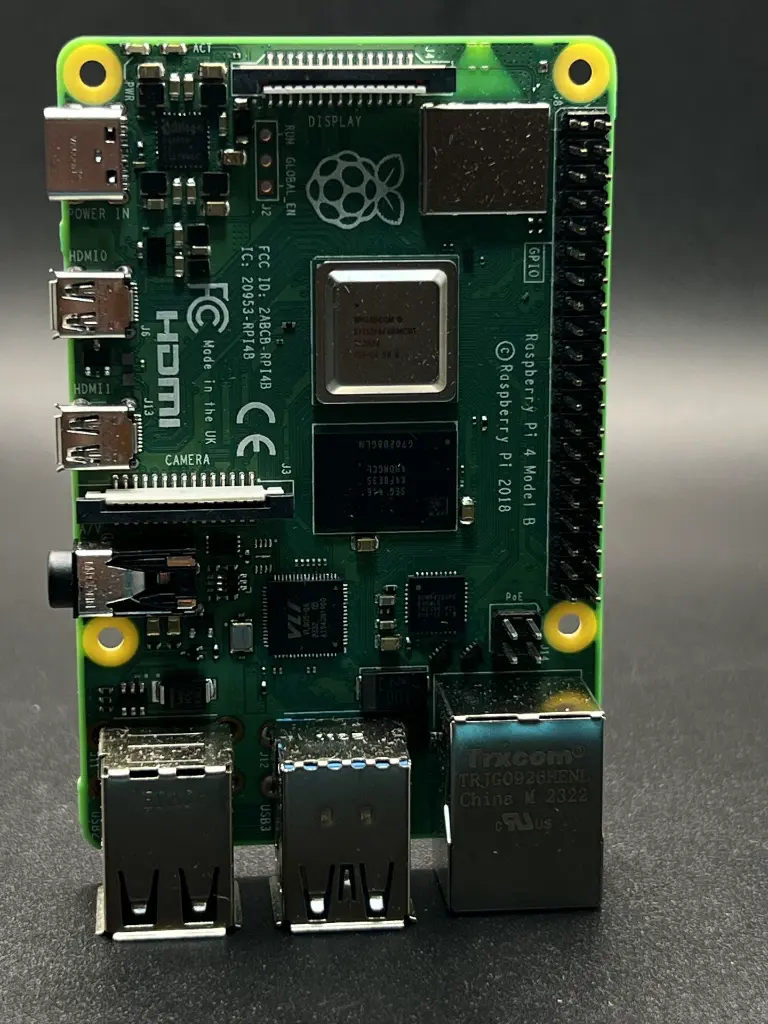
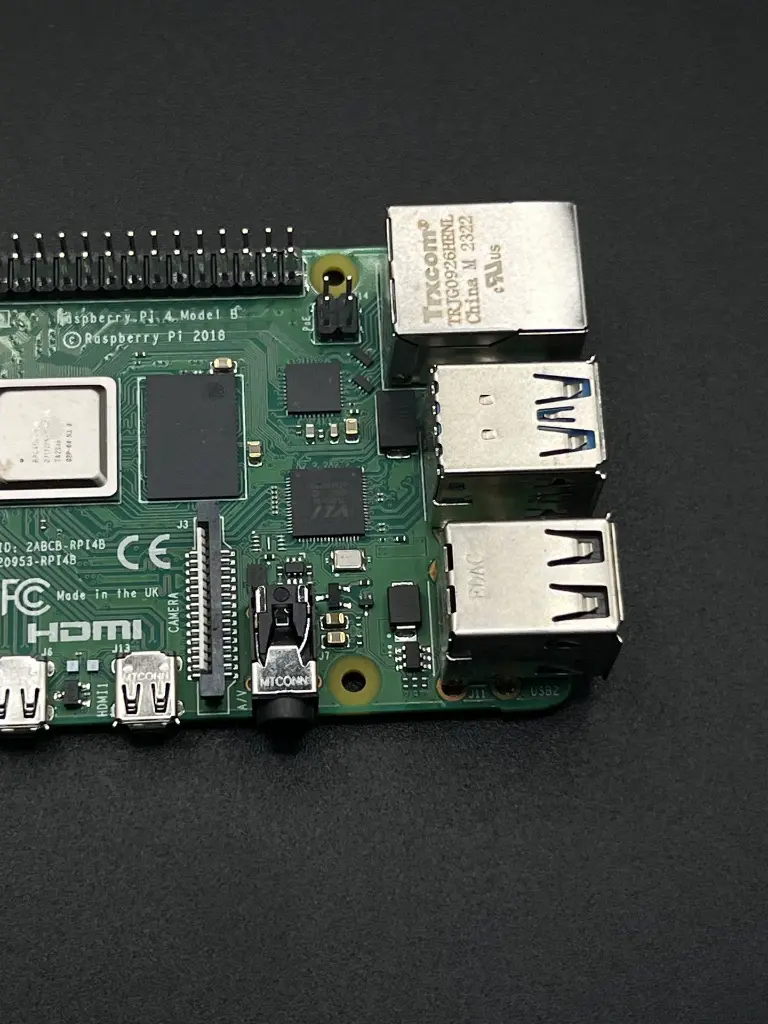
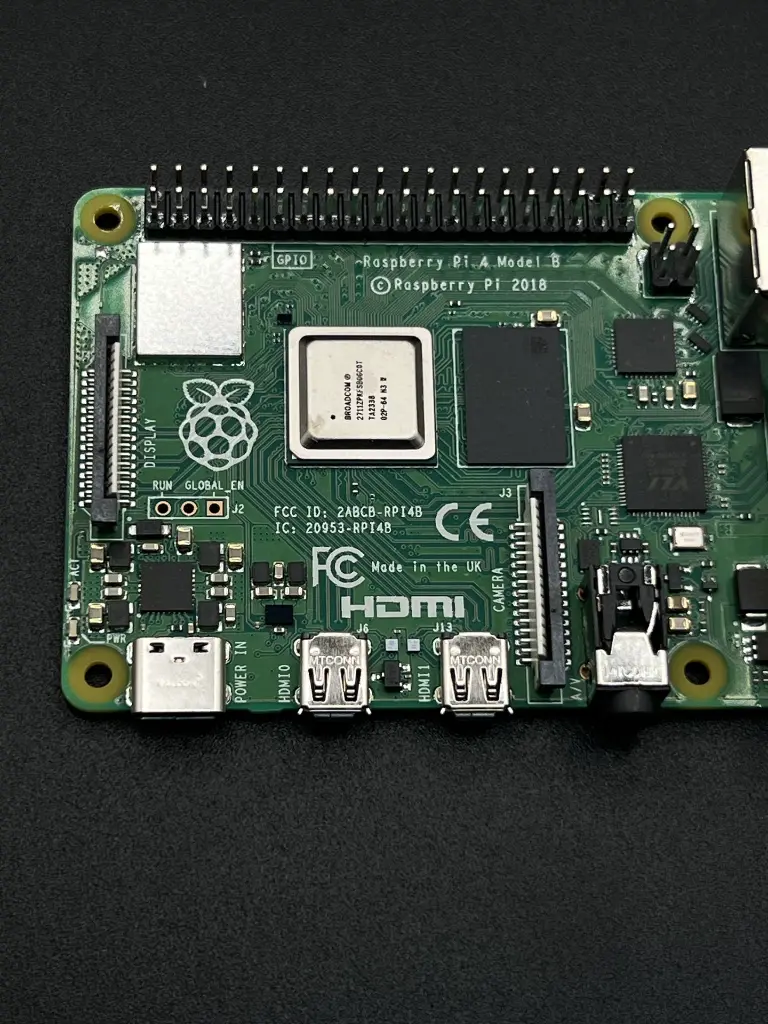
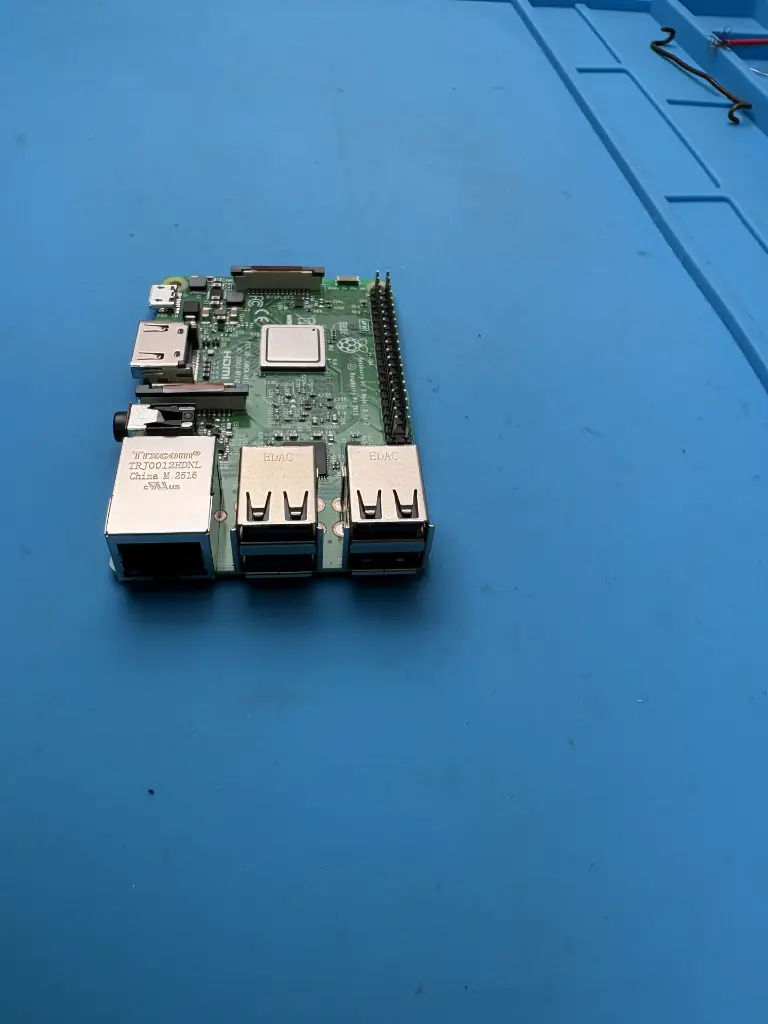
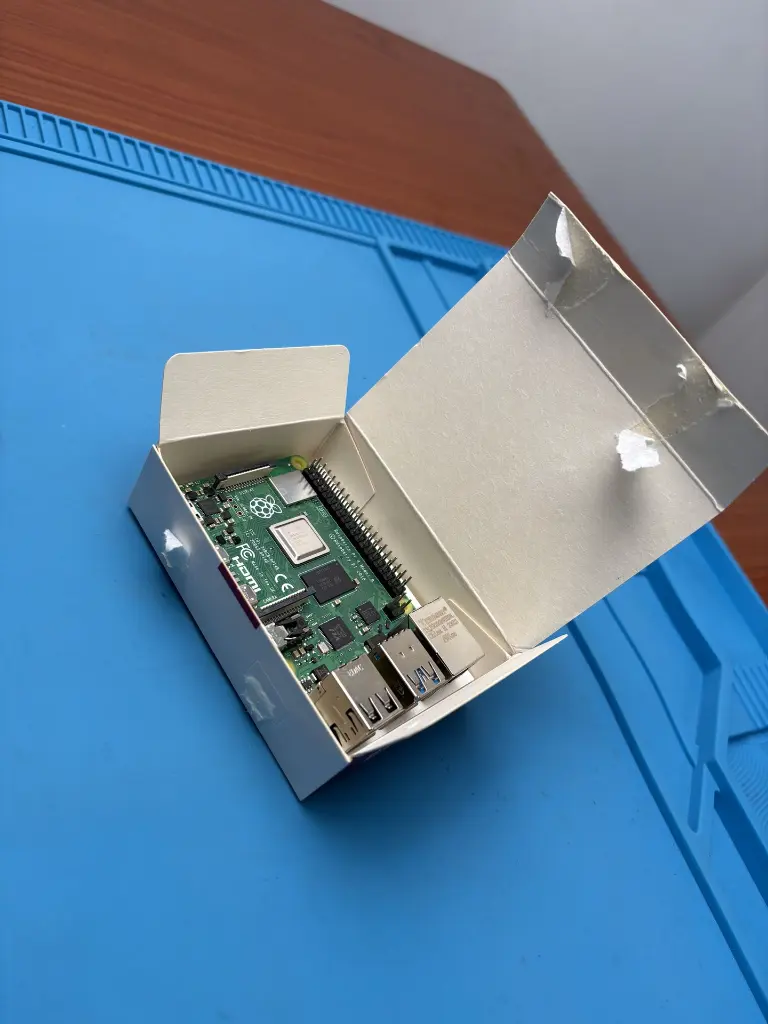
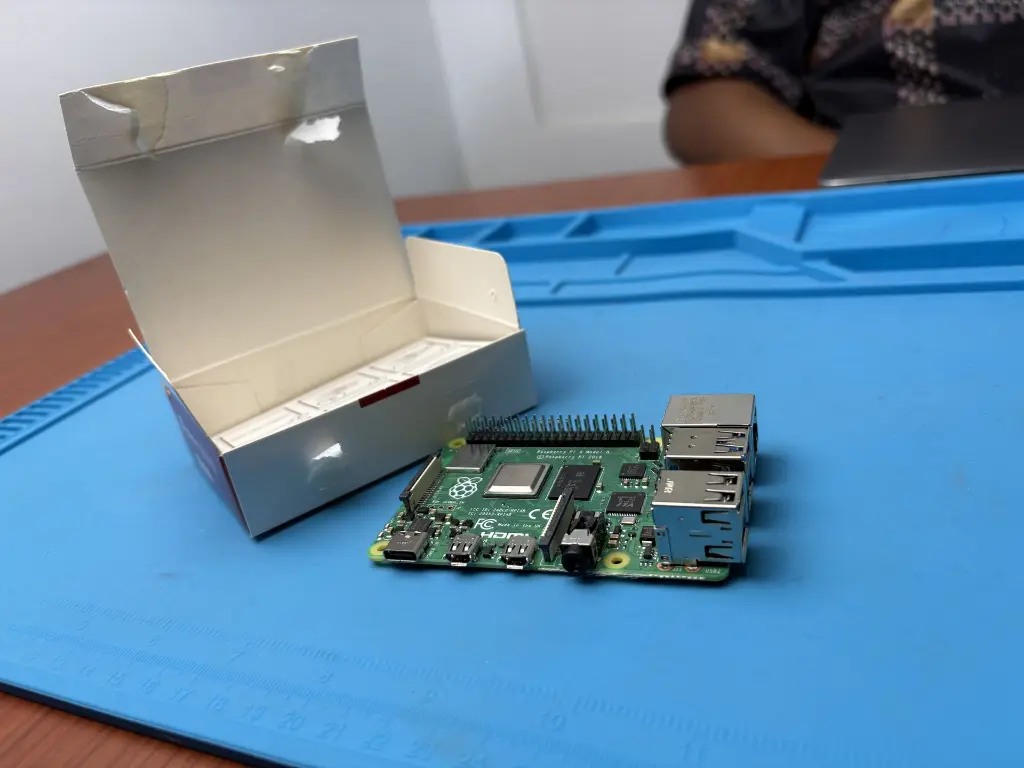
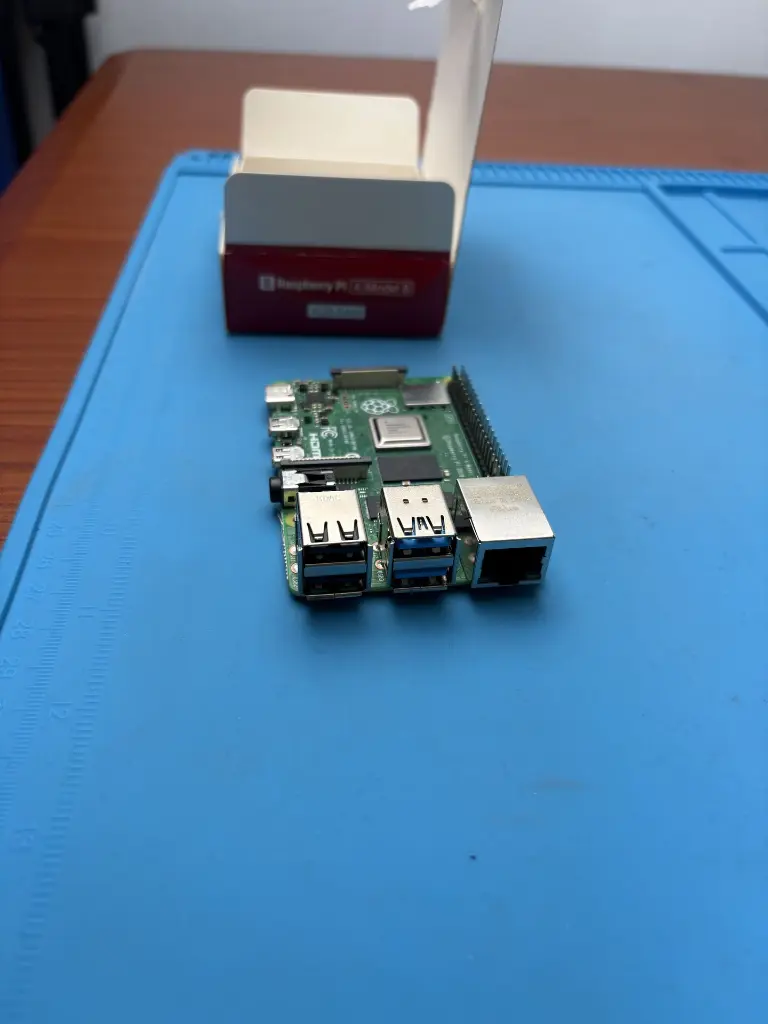
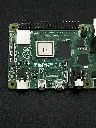
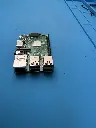
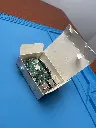
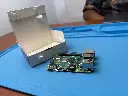
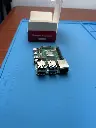

The Raspberry Pi 4 Model B is a versatile and powerful single-board computer, designed for a wide range of applications from DIY projects to professional development. The 1GB RAM version offers sufficient memory for basic tasks and lightweight applications, making it an ideal choice for various computing needs.
Key Features:
- Powerful Processor: Quad-core ARM Cortex-A72 CPU running at 1.5 GHz
- Memory: 1GB LPDDR4 RAM
- Connectivity: Gigabit Ethernet, 2.4GHz and 5GHz Wi-Fi, Bluetooth 5.0
- USB Ports: 2x USB 3.0, 2x USB 2.0
- Video Output: 2x Micro HDMI ports (up to 4K resolution)
- Storage: MicroSD card slot
- GPIO: 40-pin GPIO header for expansion and interfacing
- Processor: Quad-core ARM Cortex-A72, 1.5 GHz
- Memory: 1GB LPDDR4
- Networking: Gigabit Ethernet, Wi-Fi 802.11ac, Bluetooth 5.0
- USB Ports: 2x USB 3.0, 2x USB 2.0
- Video Output: 2x Micro HDMI (supports up to 4K resolution)
- Audio: 3.5mm audio jack
- Storage: MicroSD card slot
- GPIO: 40-pin GPIO header
- Power Supply: 5V DC via USB-C
- Dimensions: 85.6 mm x 56.5 mm
- Personal Computers
- Media Centers
- Educational Tools
- Home Automation
- IoT Projects
- Connect the Raspberry Pi 4 to a monitor via Micro HDMI cables.
- Insert a microSD card with the desired operating system.
- Connect a USB keyboard and mouse.
- Power the board using a 5V USB-C power supply.
- Follow on-screen instructions to set up the operating system.
- Use a compatible 5V USB-C power supply to avoid power issues.
- Handle the board with care to avoid damage to connectors and components.
No Specifications