

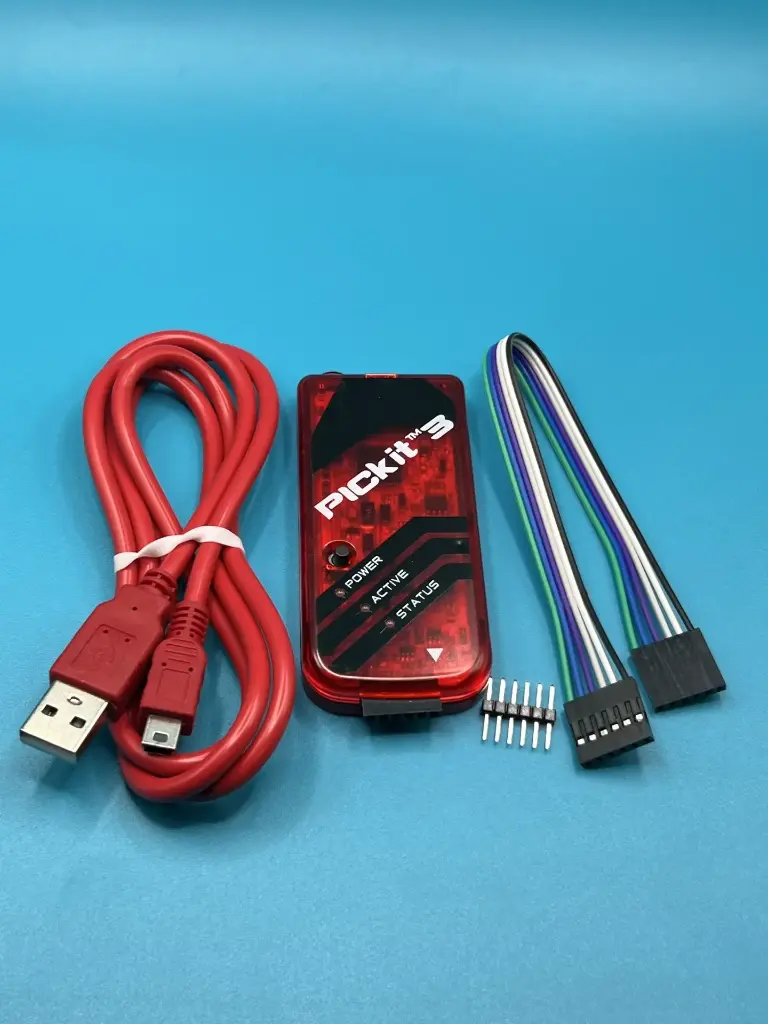
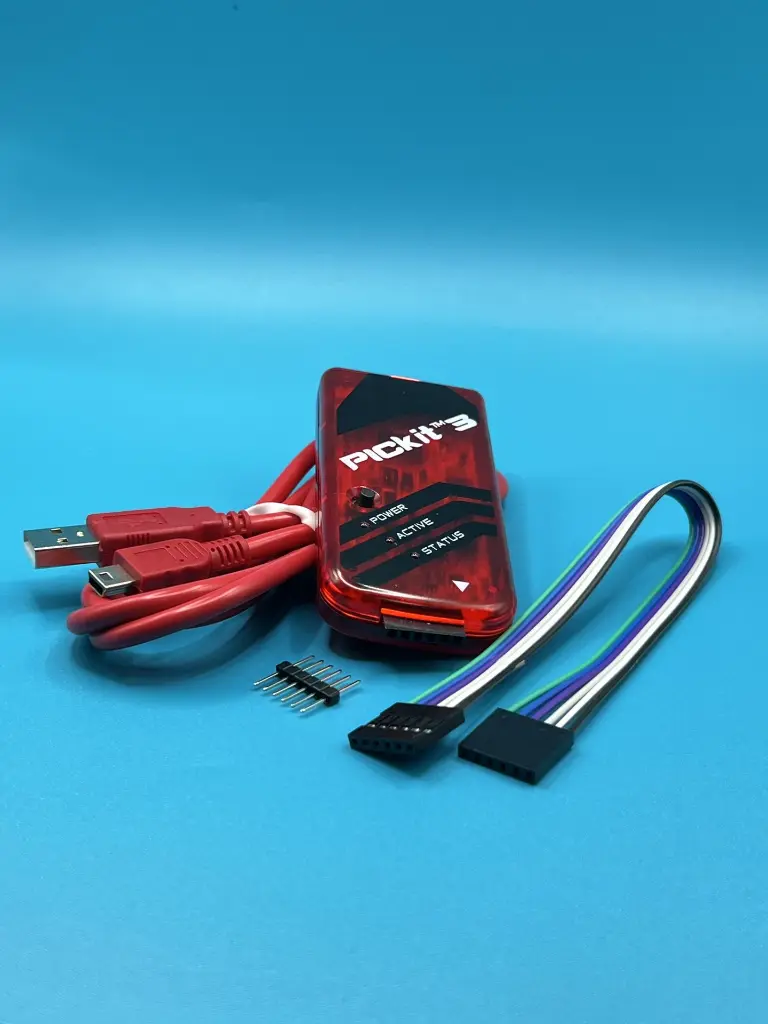
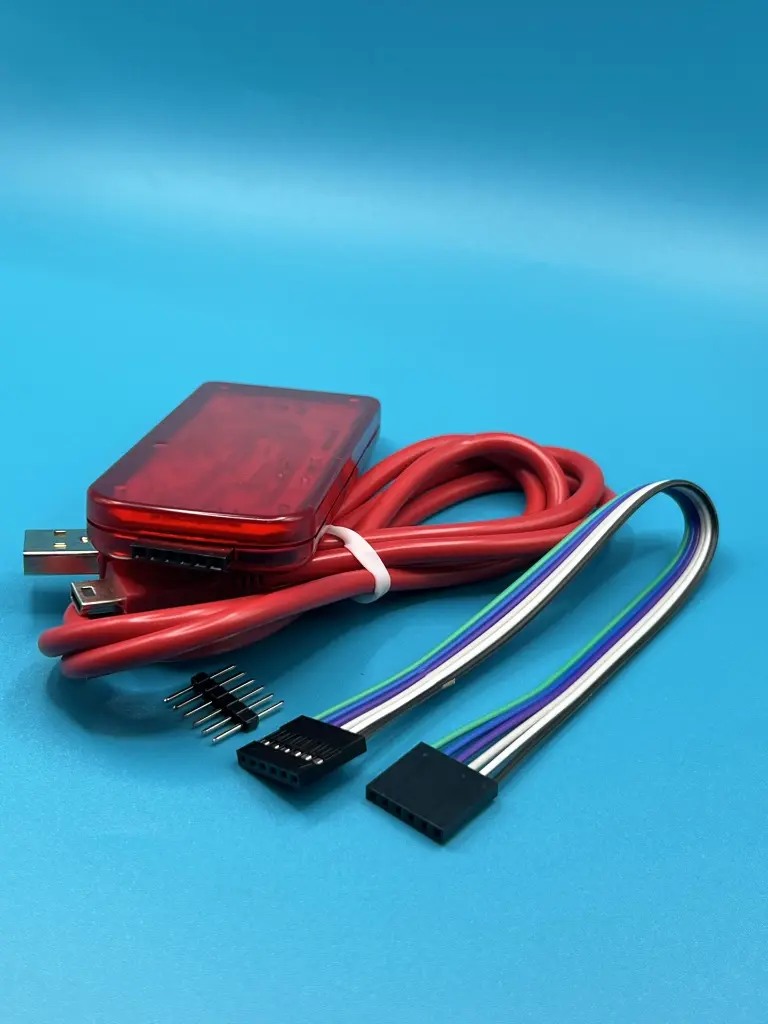
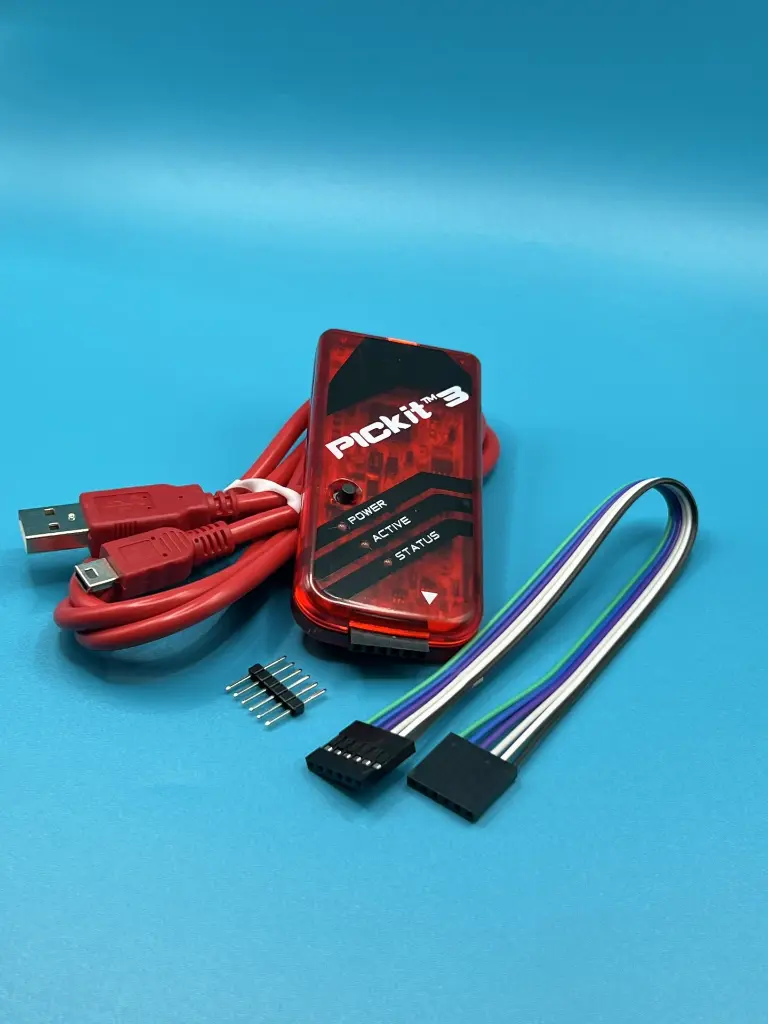

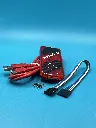



The PICkit 3 is a powerful programmer and debugger for Microchip's PIC and dsPIC microcontrollers, utilizing the MPLAB Integrated Development Environment (IDE). It connects to a PC via a full-speed USB interface and interfaces with the target microcontroller through a Microchip debug (RJ-11) connector. This connector supports in-circuit debugging and In-Circuit Serial Programming (ICSP), providing comprehensive development and debugging capabilities. The device includes a miniUSB cable for easy connection.
Key Features:
- Supports programming and debugging of PIC and dsPIC microcontrollers
- Compatible with MPLAB Integrated Development Environment (IDE)
- Full-speed USB interface for connection to PC
- Microchip debug (RJ-11) connector for target microcontroller
- Supports In-Circuit Serial Programming (ICSP) and real-time debugging
- Supported Devices: PIC and dsPIC microcontrollers
- Interface: USB 2.0 (Full Speed)
- Connector Type: Microchip debug (RJ-11), compatible with MPLAB ICD 2/3 and MPLAB REAL ICE
- Programming Voltage: 2.0V to 5.5V
- Debugging Features: In-circuit debugging, ICSP
- Included Accessories: MiniUSB cable
- Software Compatibility: MPLAB X IDE
- Embedded systems development
- Microcontroller programming and debugging
- Prototype development
- Educational projects
- Connect the PICkit 3 to a PC using the included miniUSB cable.
- Attach the PICkit 3 to the target microcontroller using the Microchip debug (RJ-11) connector.
- Launch MPLAB X IDE or compatible software for programming and debugging.
- Utilize the features for in-circuit debugging and ICSP.
- Ensure correct connections and programming voltage to avoid damage.
- Follow the manufacturer’s guidelines for setup and use.
- Avoid static-sensitive environments to prevent damage.
No Specifications